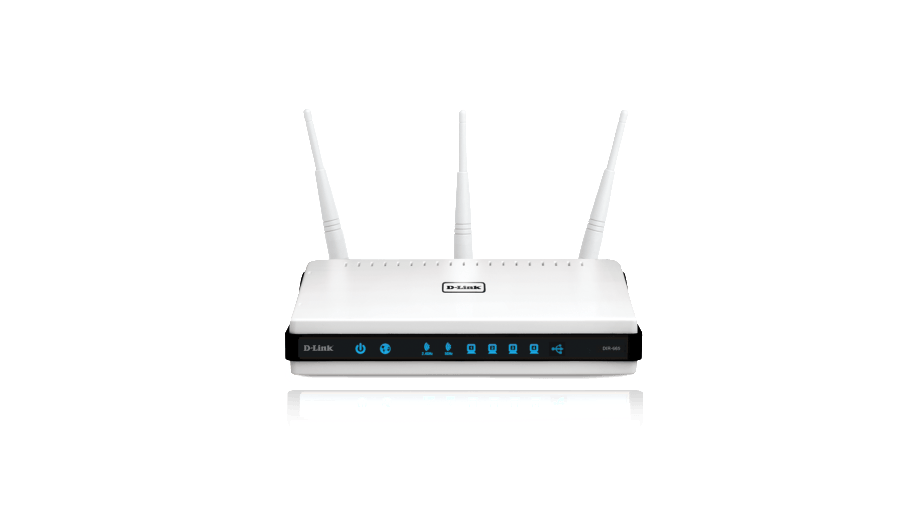
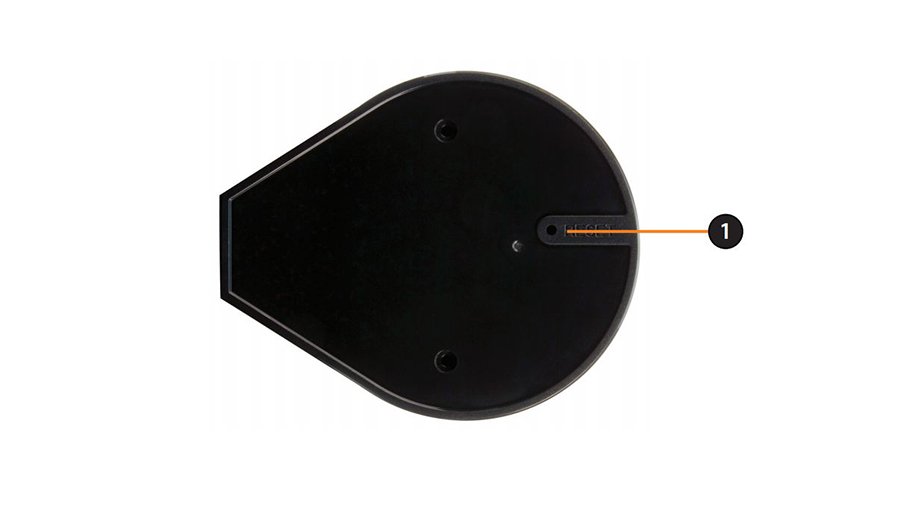
Hard reset D-Link DIR-645

The factory reset button hole is located on the bottom of the router – check the picture above. Power ON the router. Use a thin object (paperclip) to press and hold down the button for 10 seconds. Release. Wait about 30-60 seconds before accessing the router.

To find out your router default username and password continue reading
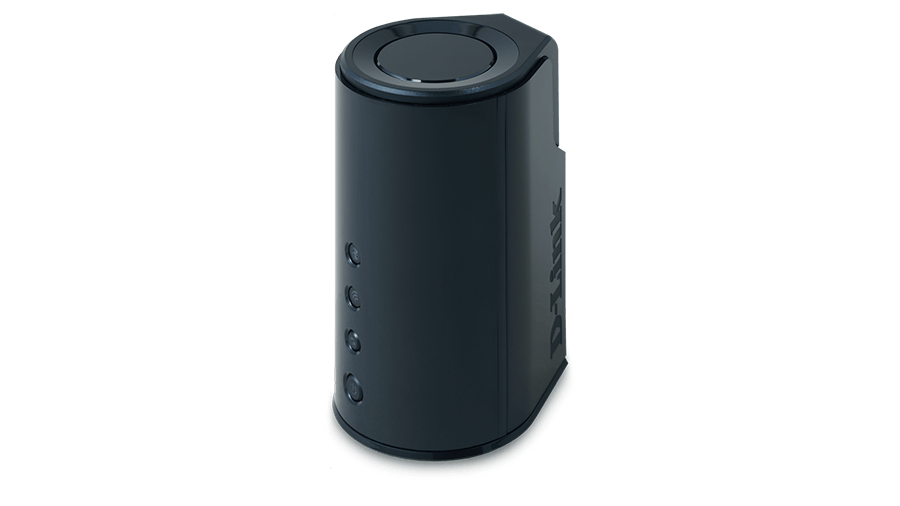
Hard reset D-Link DIR-827

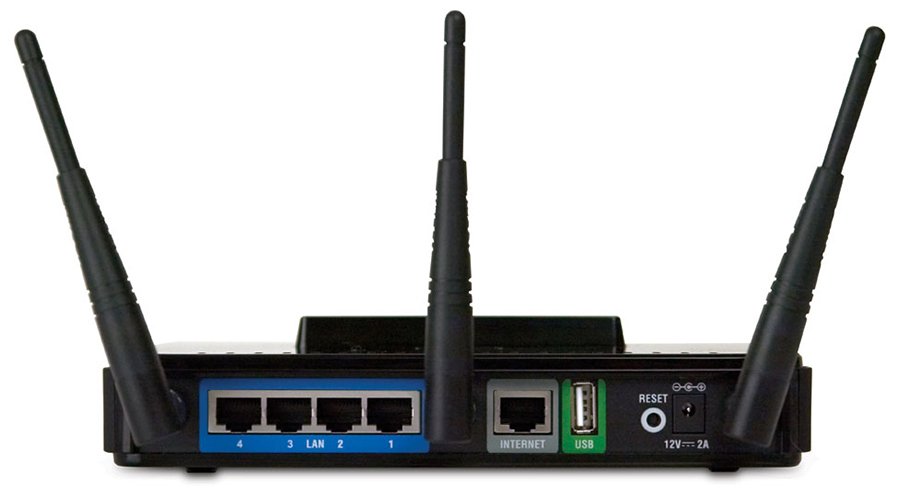
Power ON the router. Locate the reset pin hole – it is on the back panel (next to the USB port) and is marked with red. Use a paper clip to press and hold down the button for 10 seconds. Release. Wait 30-60 seconds to access the router. 

To find out your router default username and password continue reading
Hard reset D-Link DIR-865L

Power ON the router. The reset button ‘hole’ is located on the side of the router (above the power switch) and is marked with red. Press in the hole with a thin object and hold for 6 seconds. Release. Wait for 1 min for the router to reboot.

To find out your router default username and password continue reading
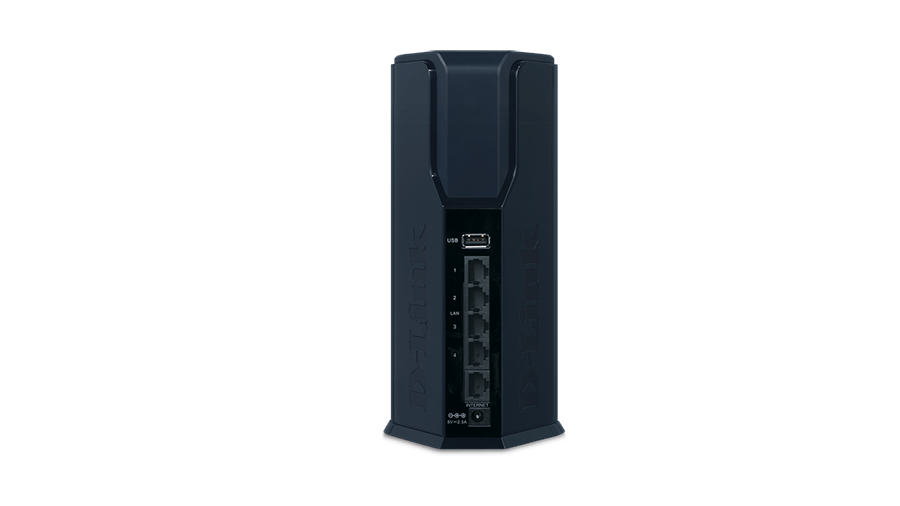
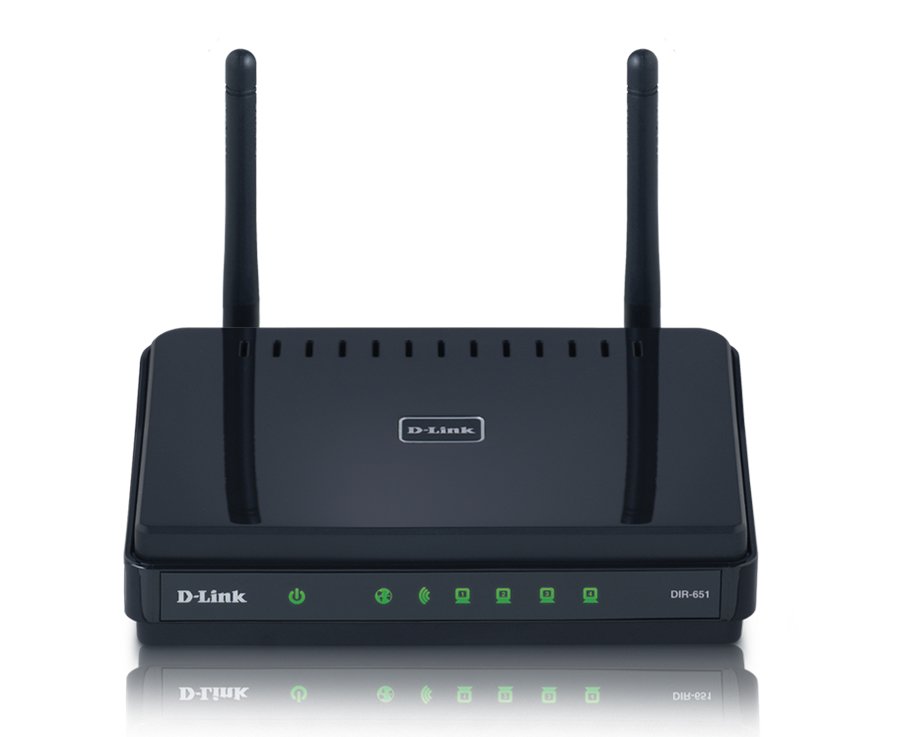
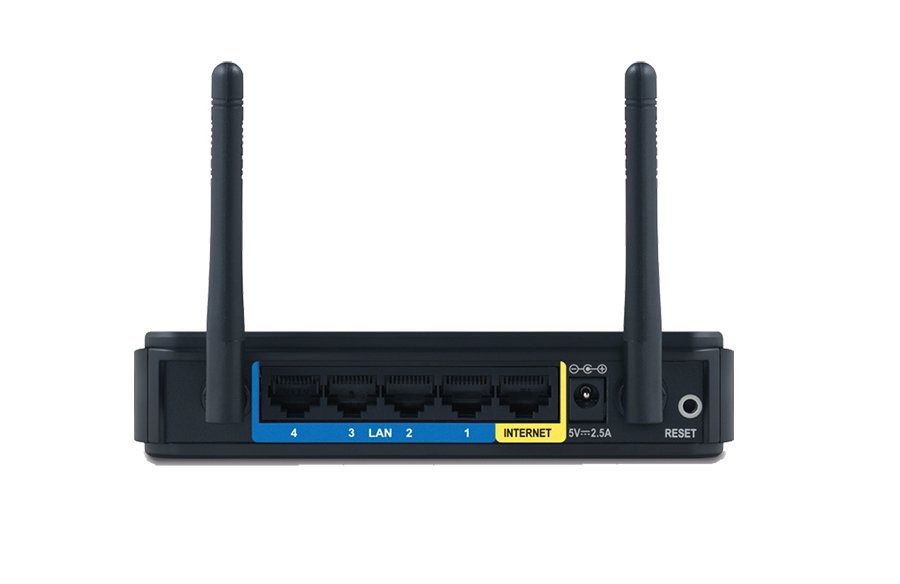
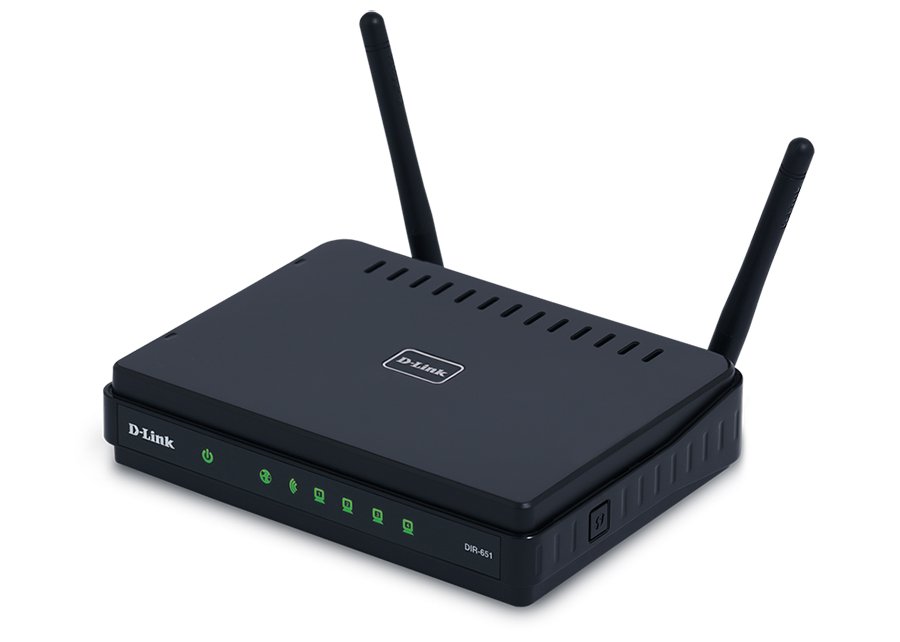
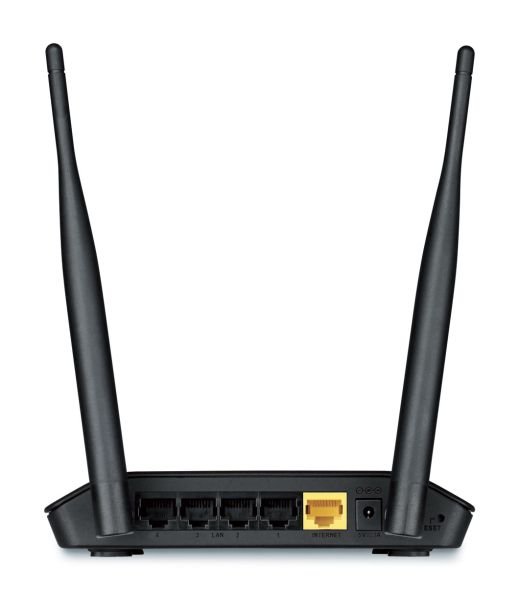
Hard reset D-Link DIR-651


Power ON the router. The reset button ‘hole’ is located on the back panel of the router – to the right of the right antenna. Press in it with a thin object (paperclip) and hold for about 10 seconds. Release. Wait for a minute until the router reboots.

To find out your router default username and password continue reading

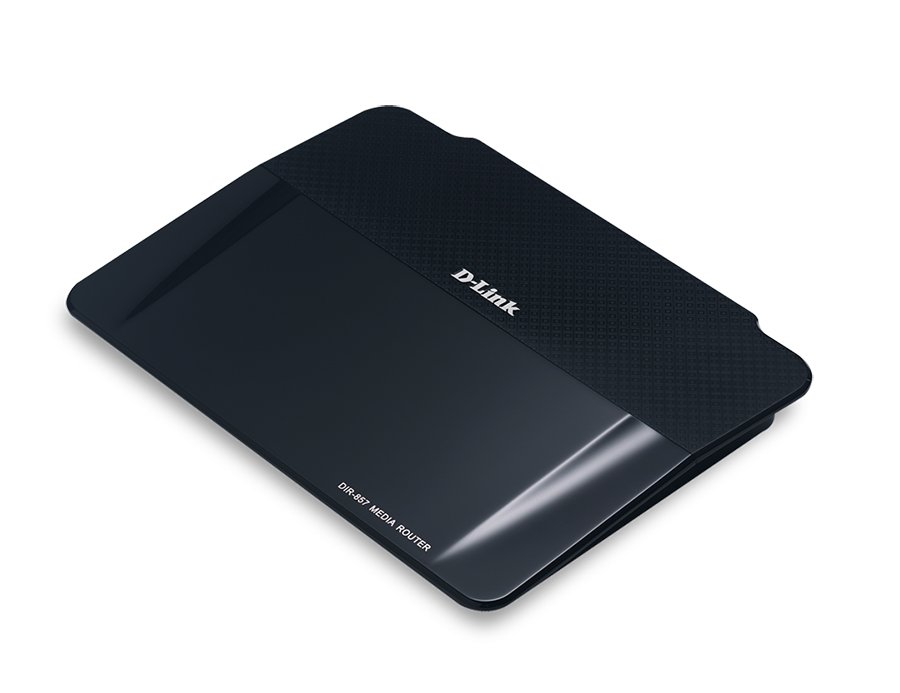
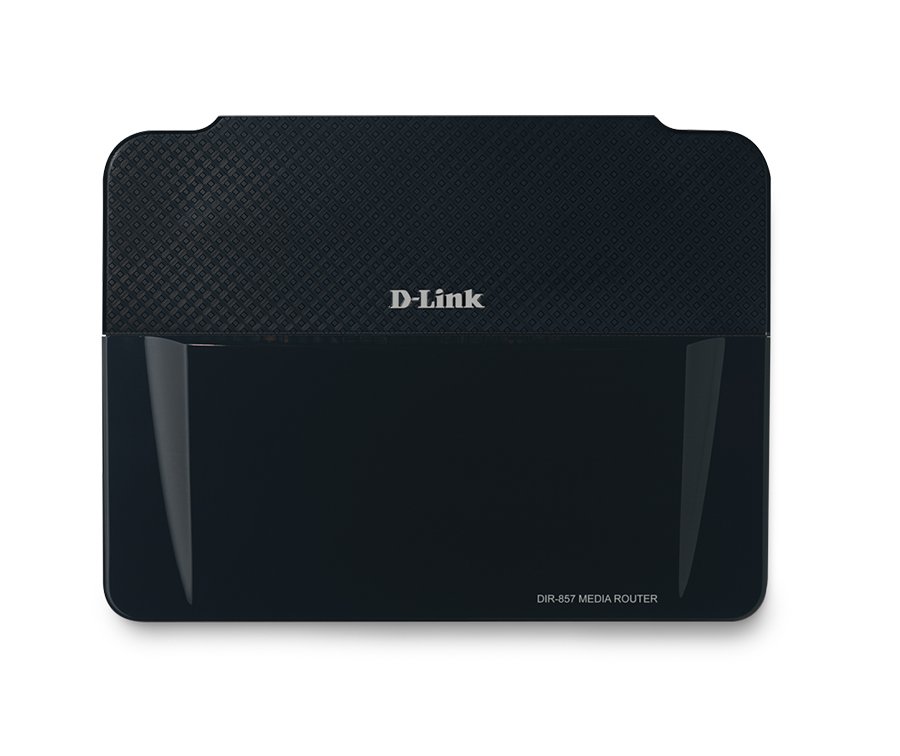
Hard reset D-Link DIR-857

Power ON the device. The reset hole is located on the back panel of the router, it is marked with red. Press in it with a thin object and hold for 10 seconds. Release. Wait for 1 min for the router to reboot.

To find out your router default username and password continue reading
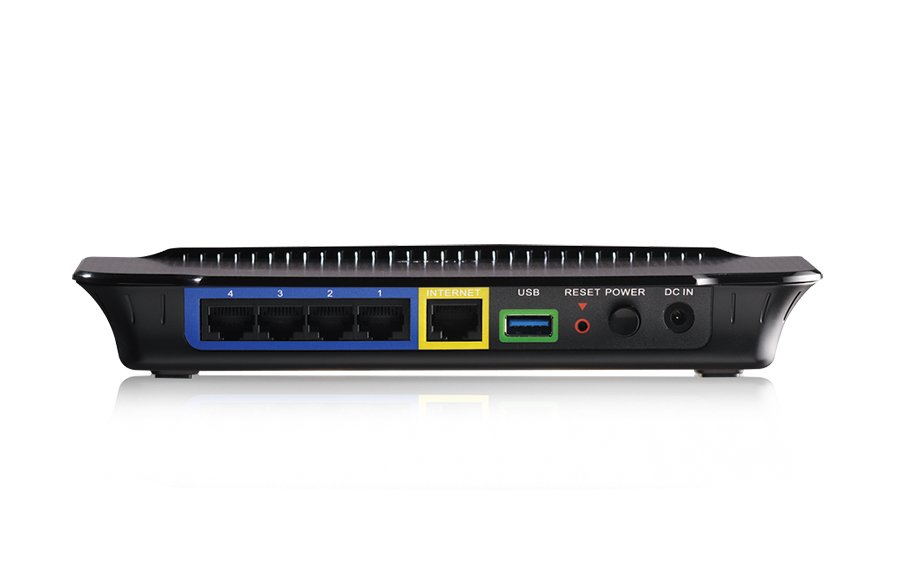
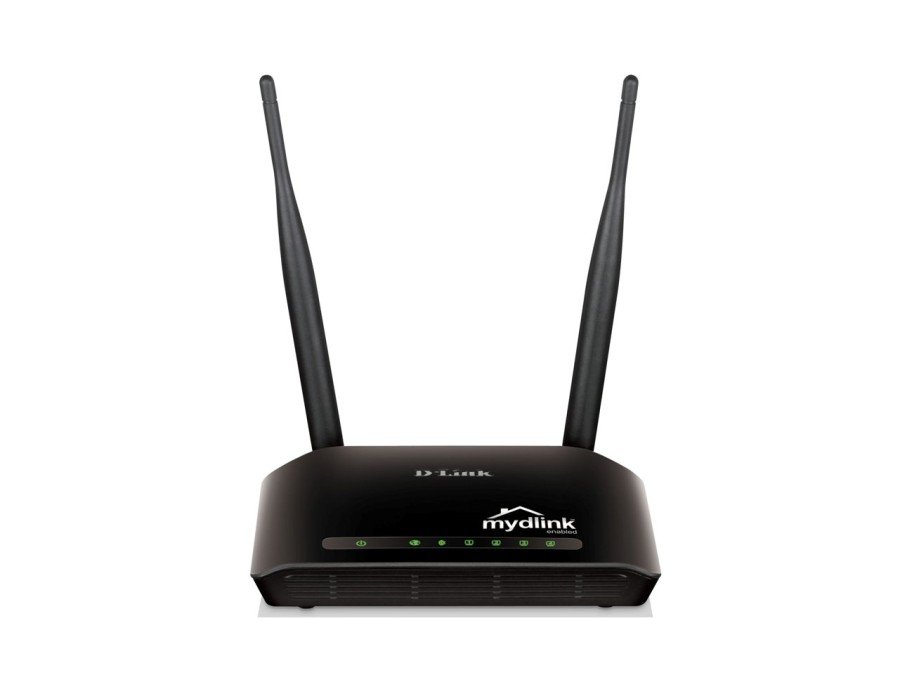
Hard reset D-Link DIR-605L

Power ON the router. The reset “hole” is located on the back of the router – to the right side of the right antenna. Use a thin object to press in and hold down for 10 seconds. Release. Wait a minute until the router reboots.

To find out your router default username and password continue reading
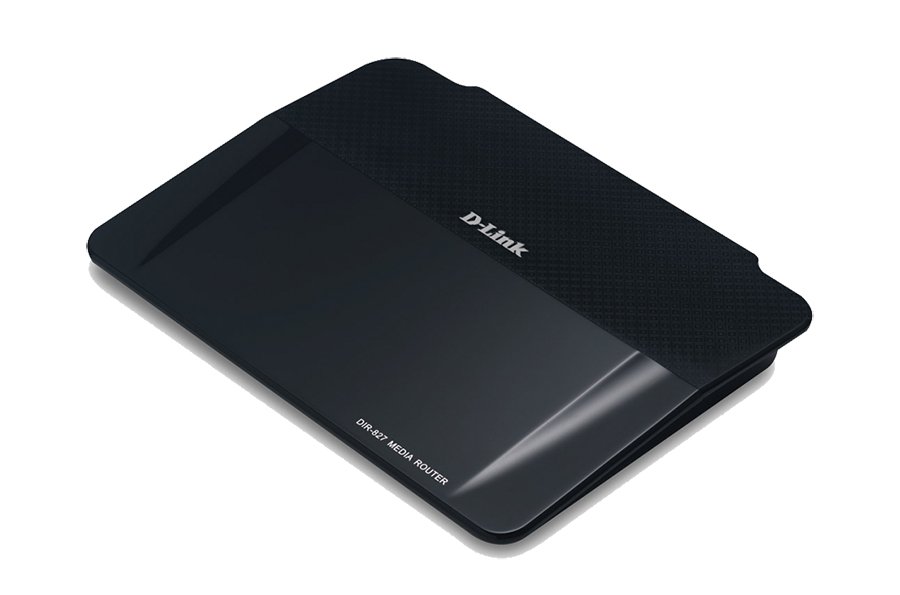
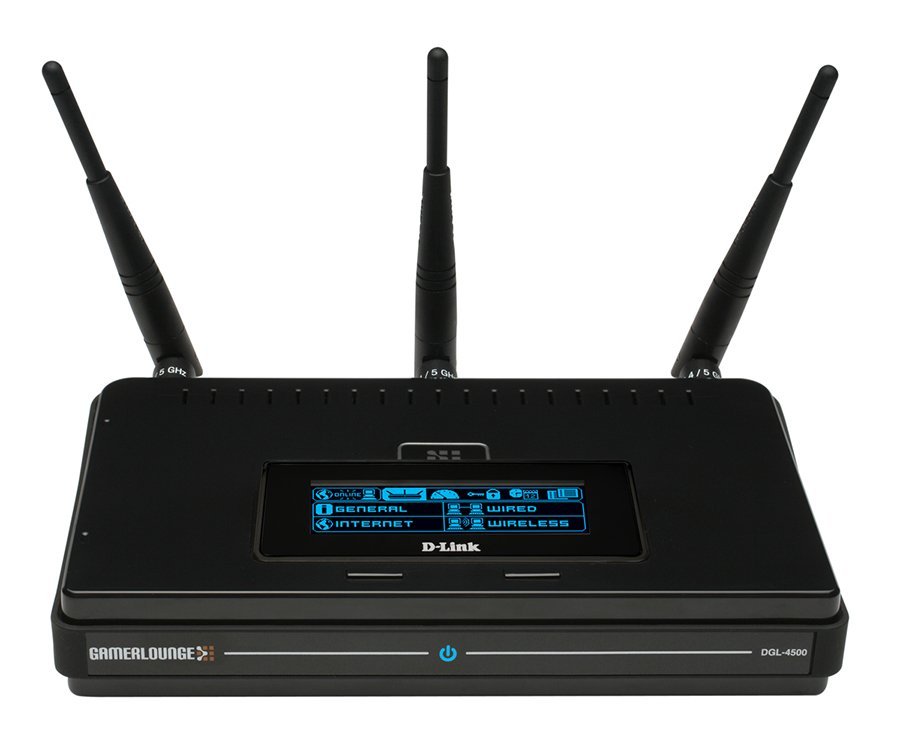
Hard reset D-Link DGL-4500

Power ON the router. Locate the reset pin hole on the back (next to the USB port). Press it with a thin object (paperclip) and hold down for 5-10 seconds. Release and wait for 30-60 seconds for the reboot process to finish.

To find out your router default username and password continue reading
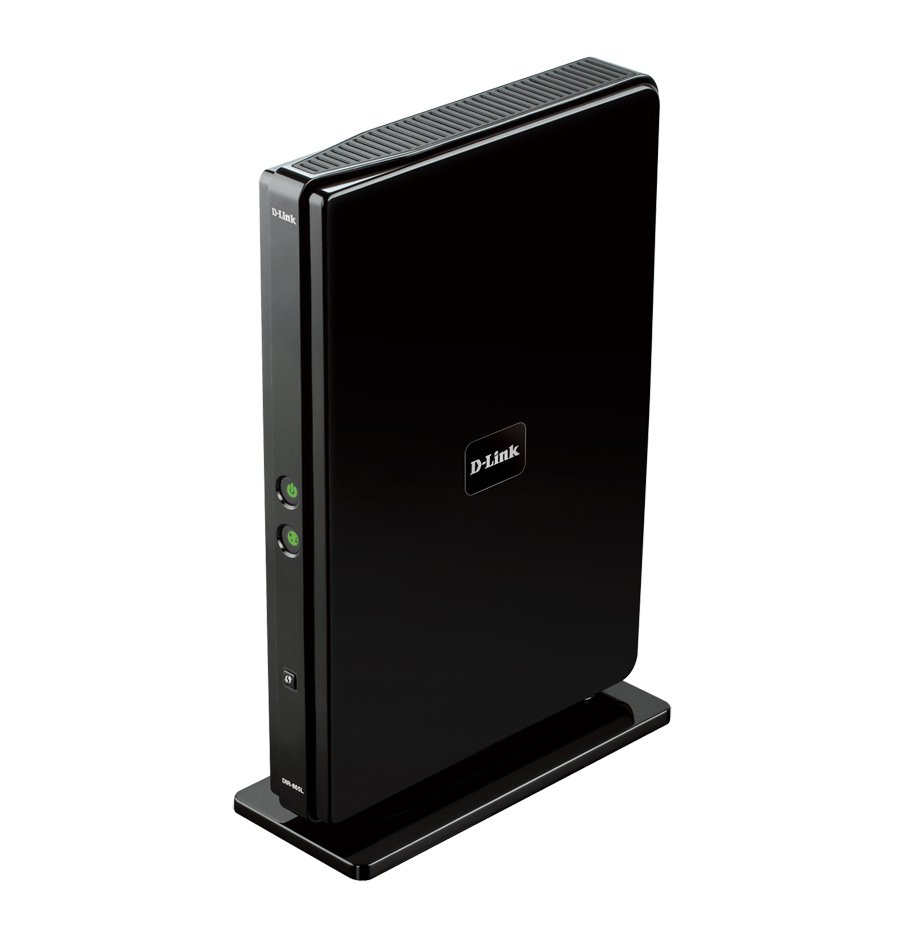
Hard reset D-Link DIR-825

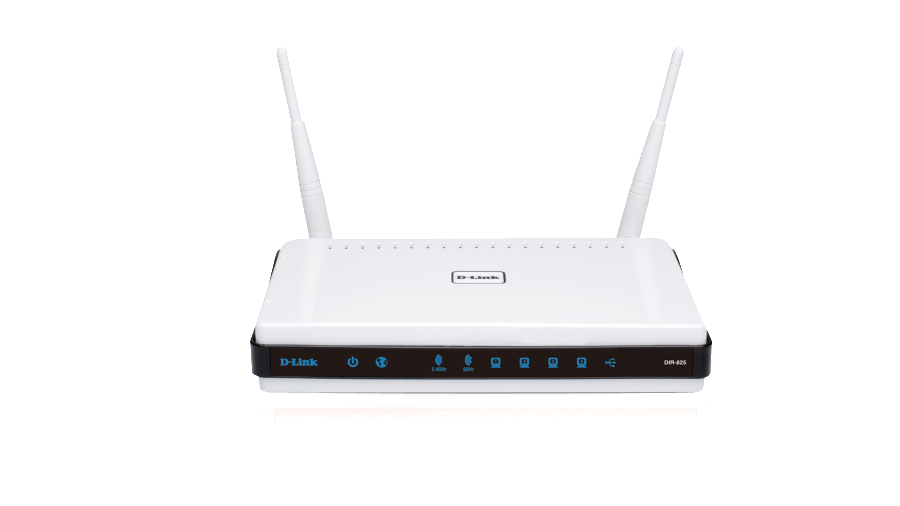
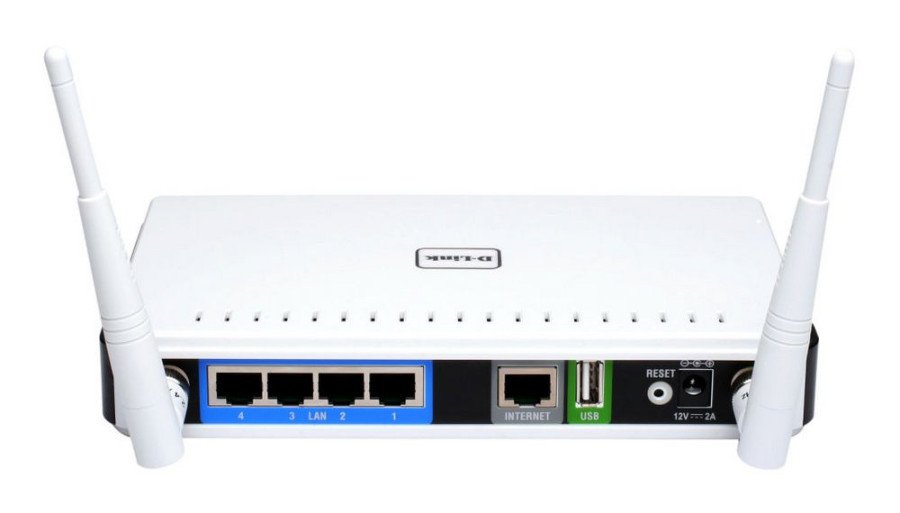
Power ON the router. The reset button is the small hole on the back panel – use a paperclip to hold it down for 10 seconds. Release. Wait 30 sec – 1 min for the reboot process to finish.

To find out your router default username and password continue reading
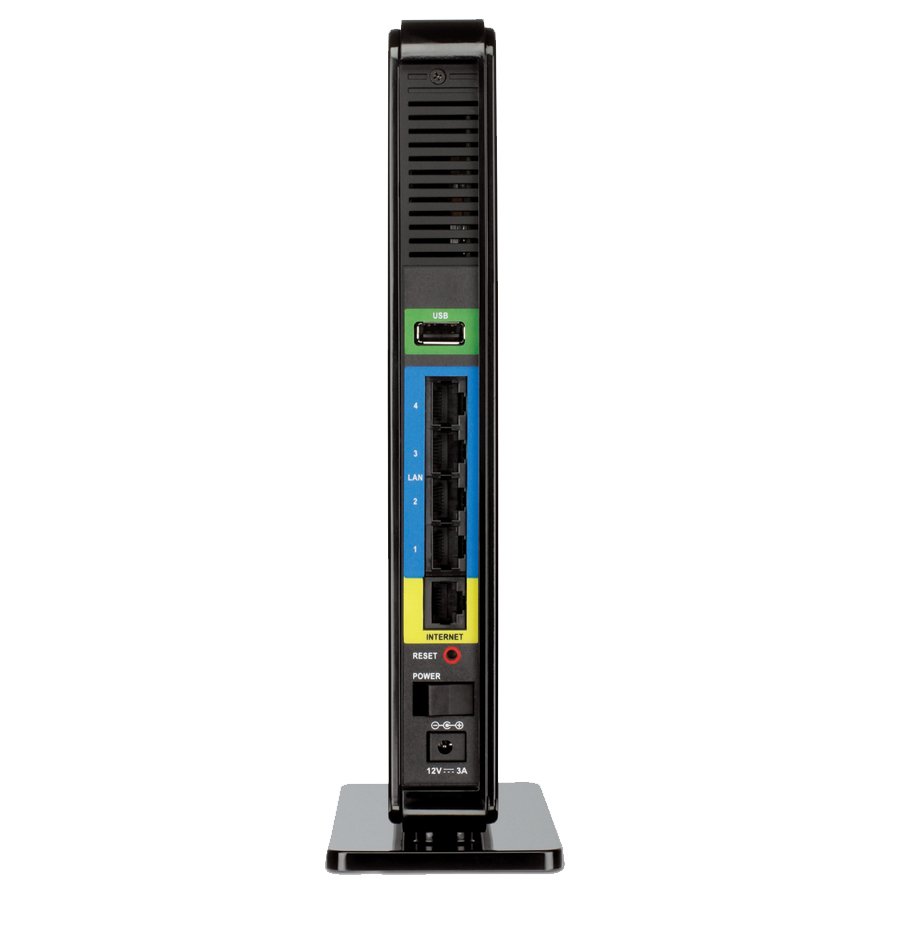
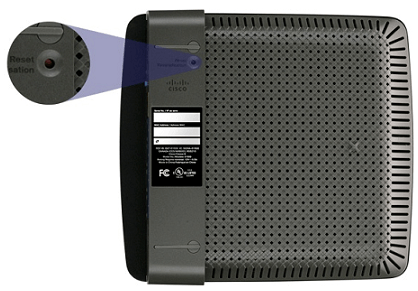
Hard reset Linksys E900

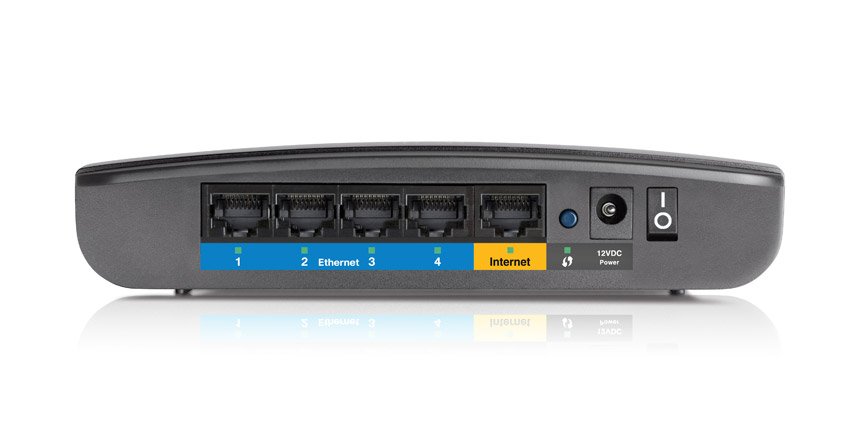
Locate the button at the bottom of the router, then press and hold this button for 5-10 seconds (until the port lights flash at the same time).

To find out your router default username and password continue reading
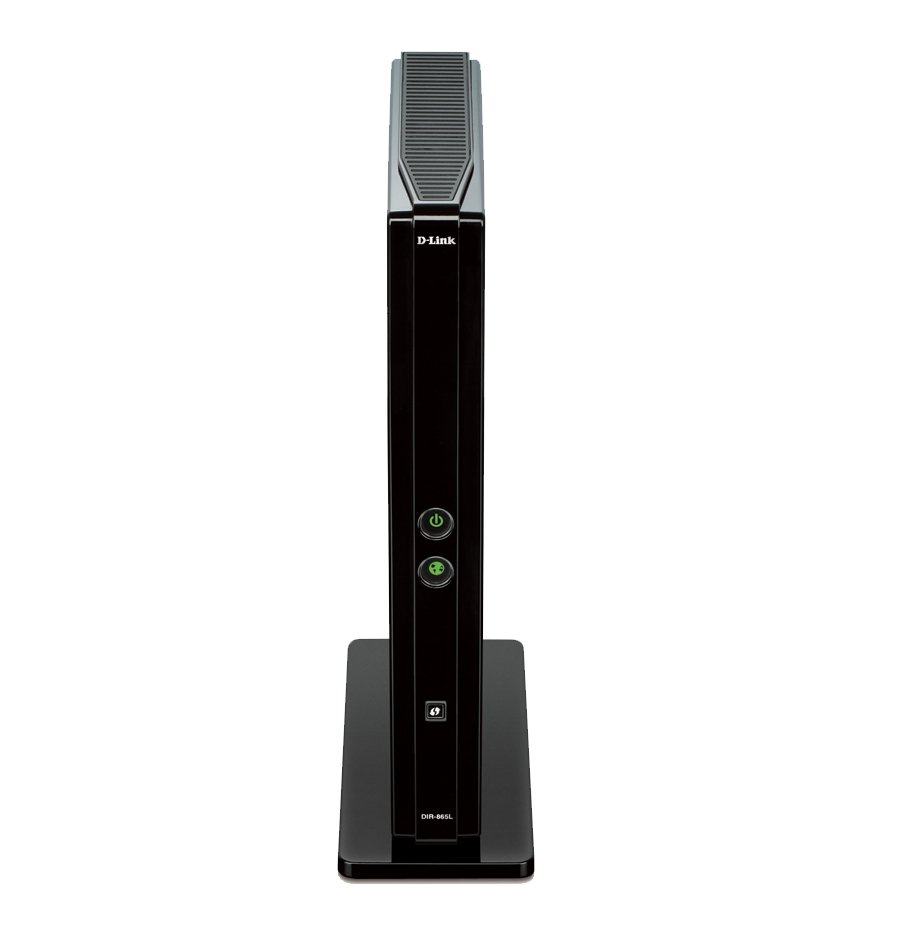
Hard reset D-Link DIR-665

Power On the router. Locate the reset pin hole on the back. Use a sharp object to press it and hold it down for 5 seconds. Release. … Important: If that does not work, try pressing the button and holding it down for 10 seconds, release.

To find out your router default username and password continue reading