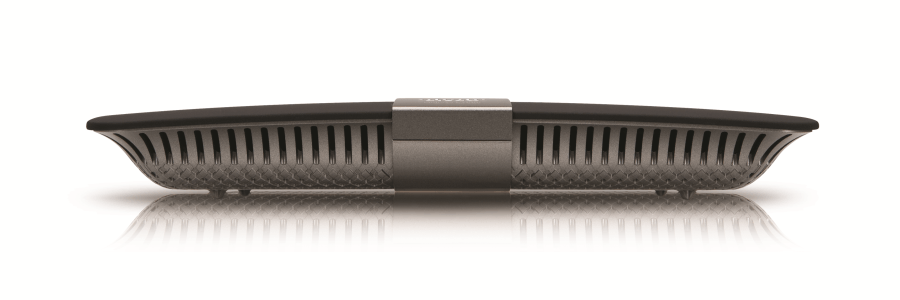
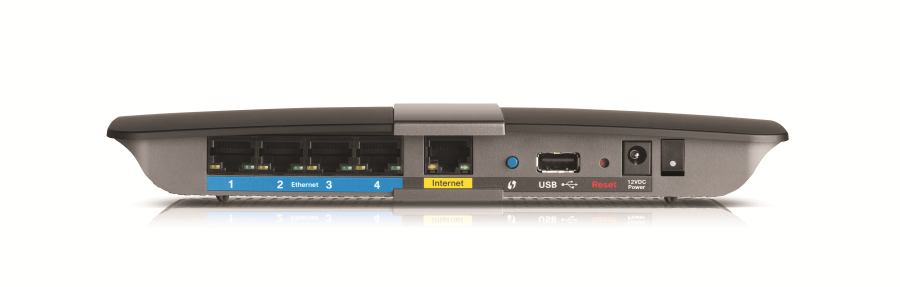
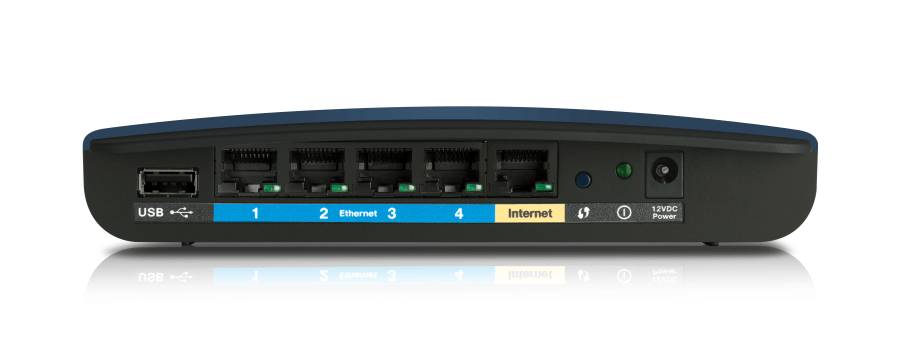
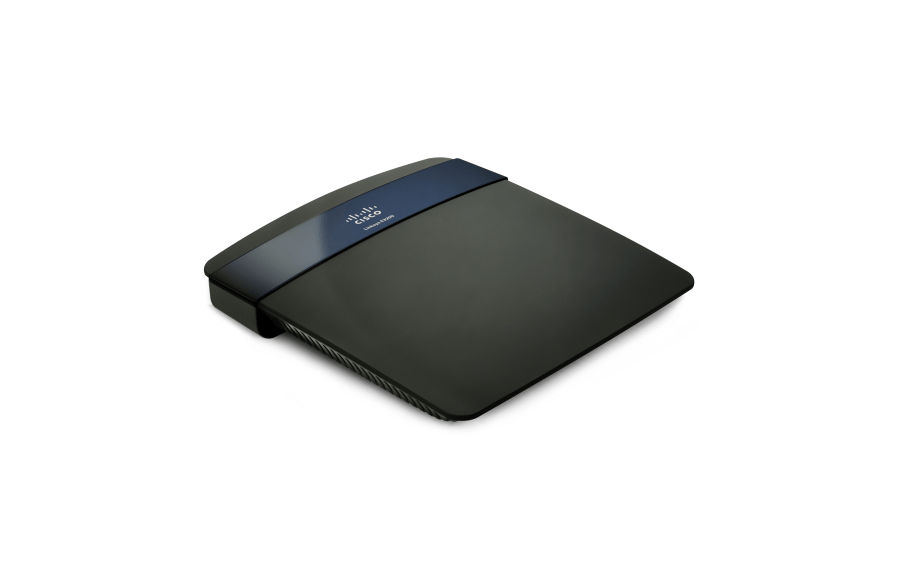
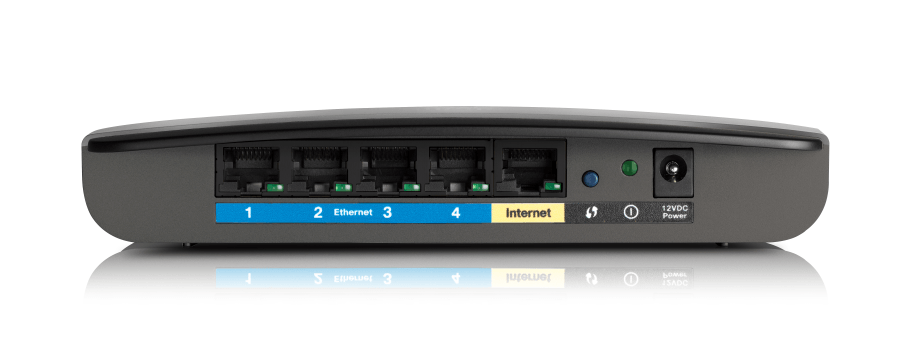
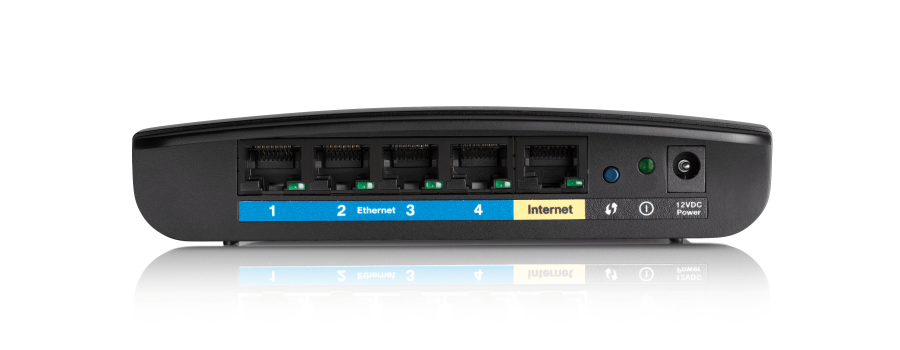
Hard reset Linksys EA4500

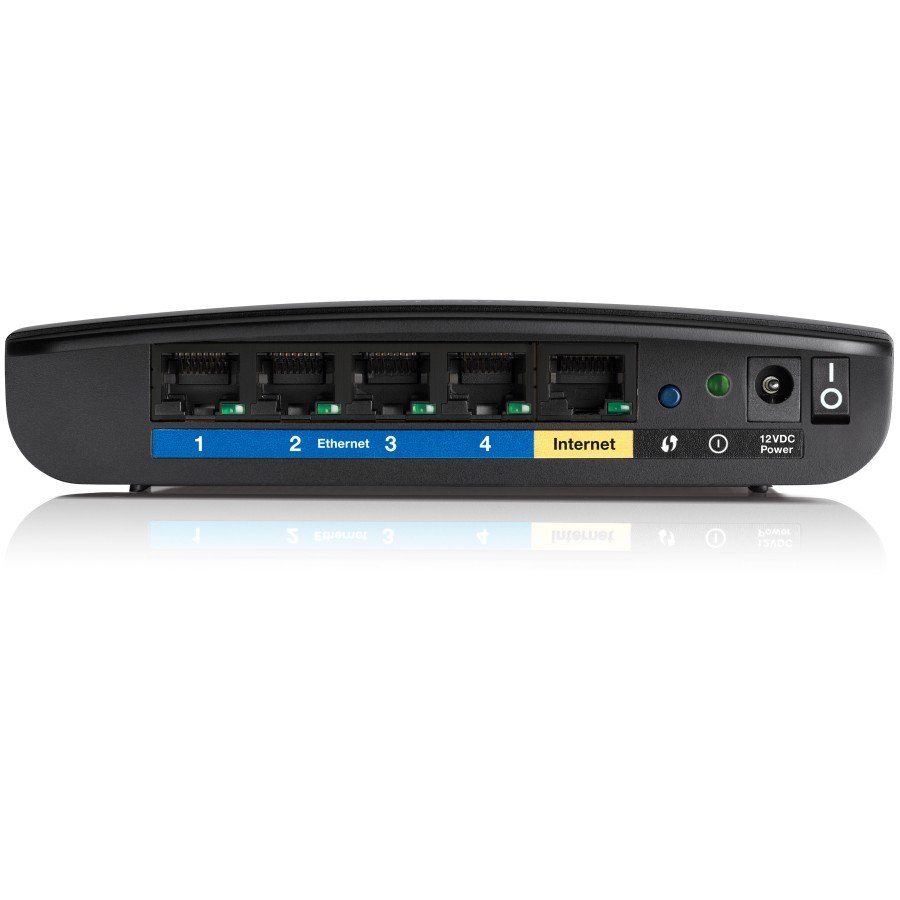
Locate the reset button on the back panel of the router. Use a paperclip to press and hold the button for approximately ten seconds.

To find out your router default username and password continue reading
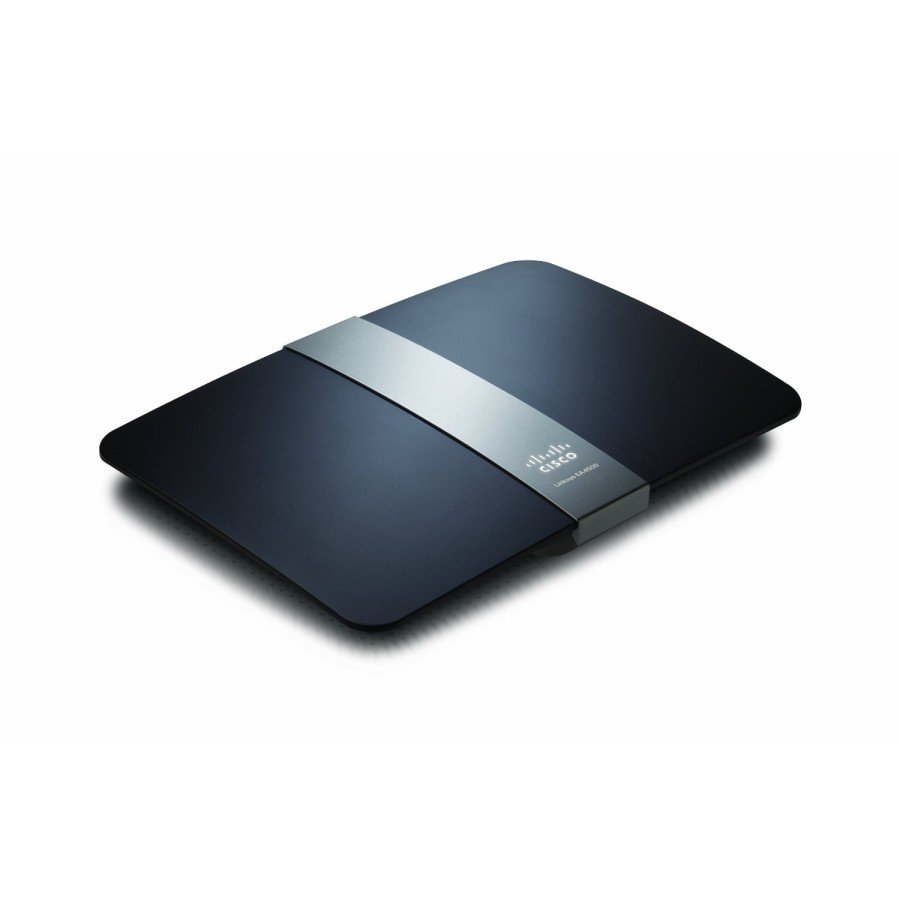
Hard reset Linksys EA3500

Locate the reset button on the bottom of the router. Use a paperclip to press and hold the button for approximately five seconds.

To find out your router default username and password continue reading
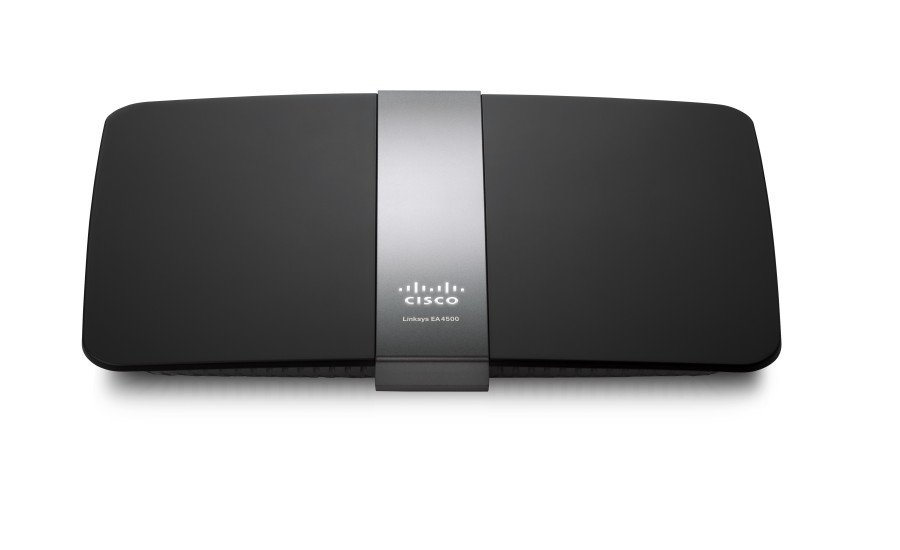
Hard reset Linksys EA2700

Locate the reset button on the bottom of the router. Use a paperclip to press and hold the button for approximately ten seconds then release.

To find out your router default username and password continue reading
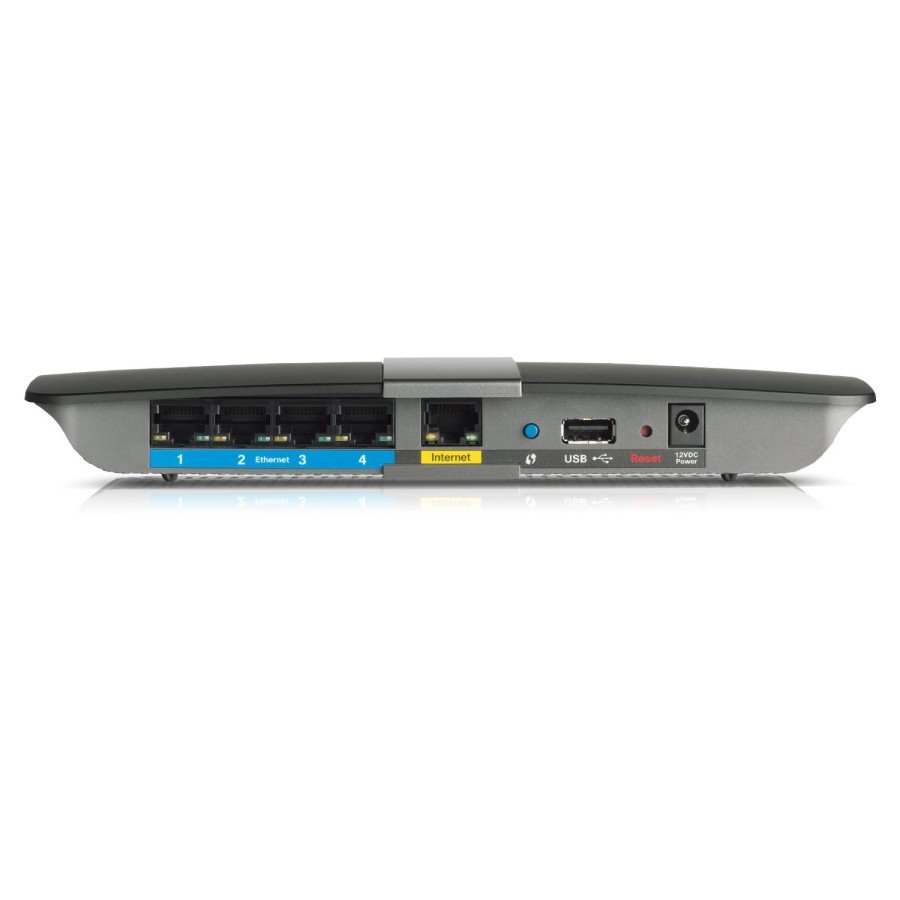
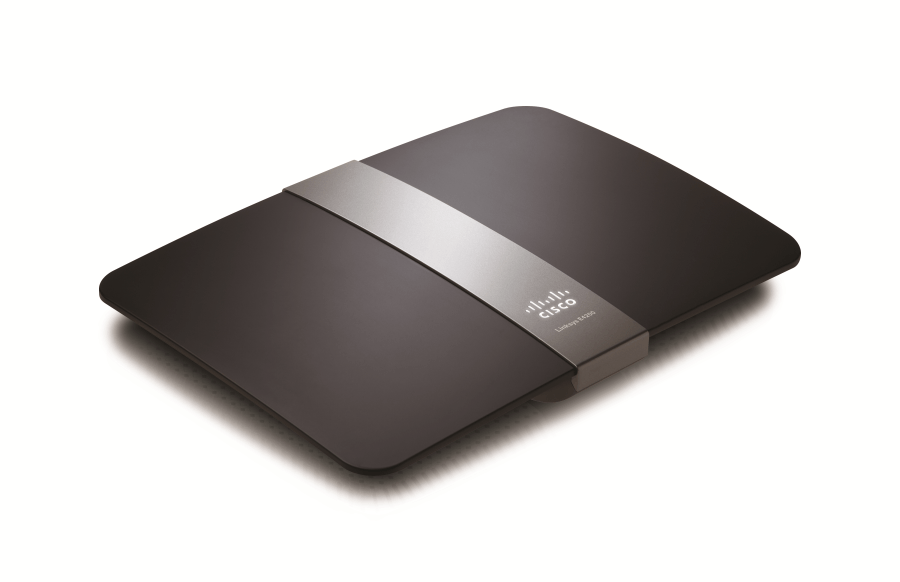
Hard reset Linksys E4200

Locate the reset button on the back of the router. Use a paperclip to press and hold the button for approximately ten seconds.

To find out your router default username and password continue reading
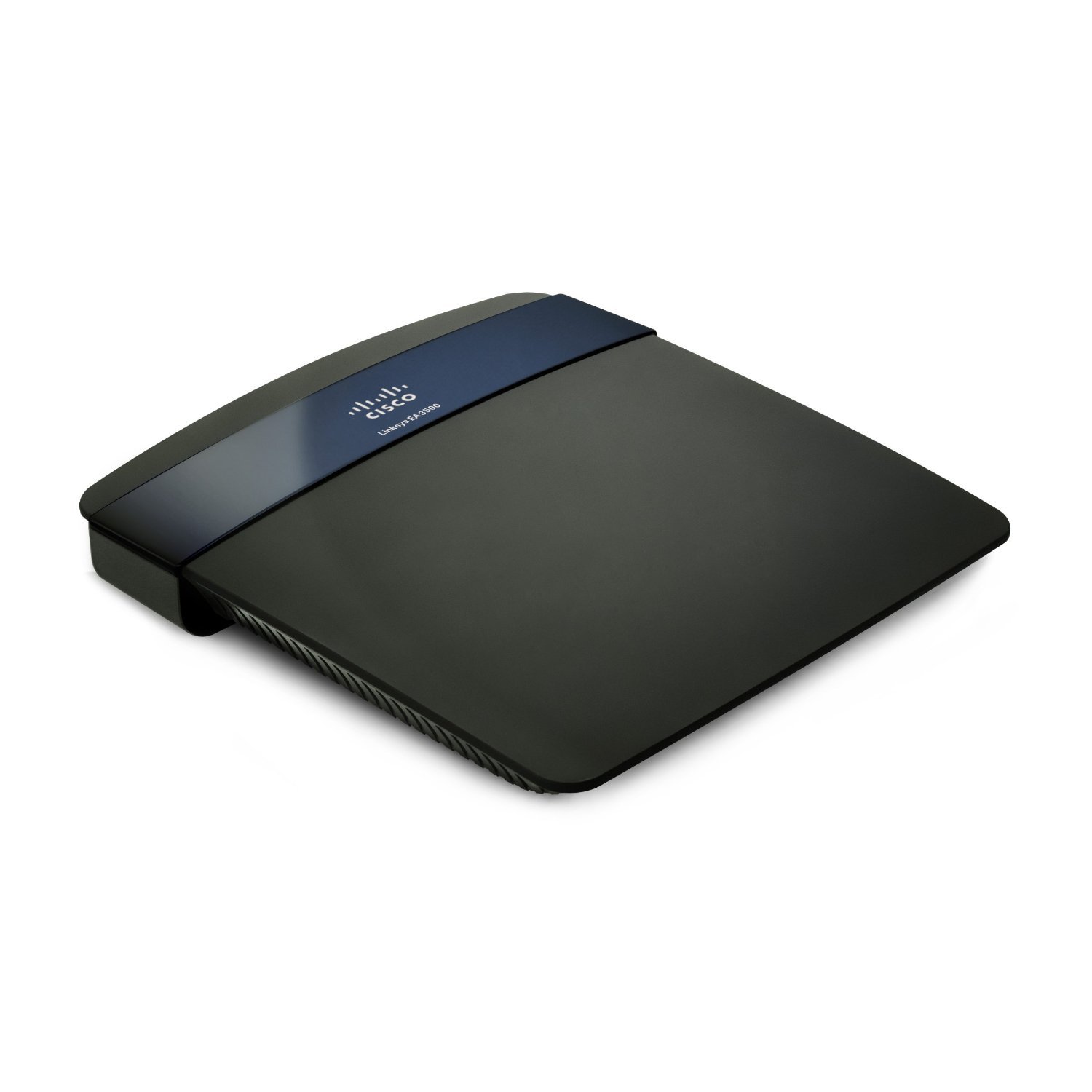
Hard reset Linksys E3200

Locate the reset button on the bottom of the router. Use a paperclip to press and hold the button for approximately five seconds.

To find out your router default username and password continue reading

Hard reset Linksys E2500

Locate the reset button on the bottom of the router. Use a paperclip to press and hold the button for approximately ten seconds.

To find out your router default username and password continue reading
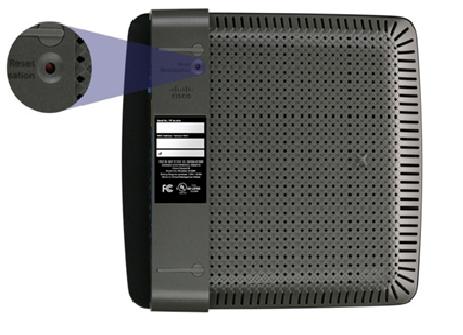
Hard reset Linksys E1500

Locate the reset button on the bottom of the router. Use a paperclip to press and hold the button for approximately five seconds.

To find out your router default username and password continue reading
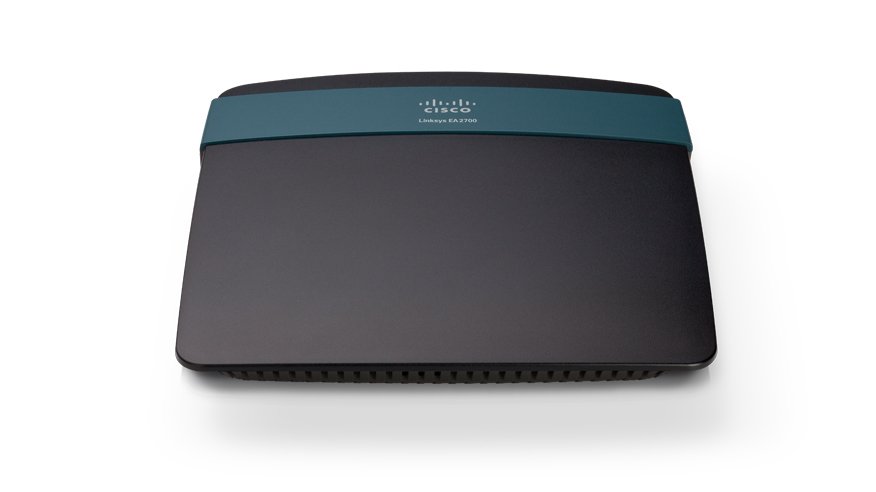
Hard reset Linksys E1200

Locate the reset button on the bottom of the router. Use a paperclip to press and hold the button for approximately five seconds.

To find out your router default username and password continue reading
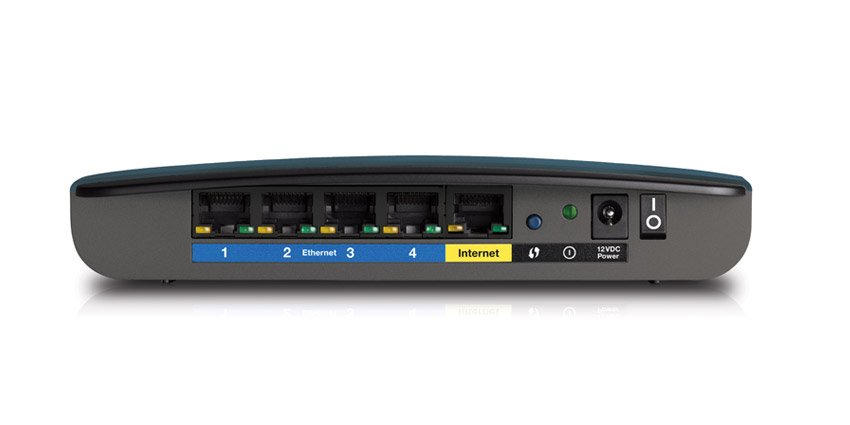
Hard reset D-Link DIR-826L

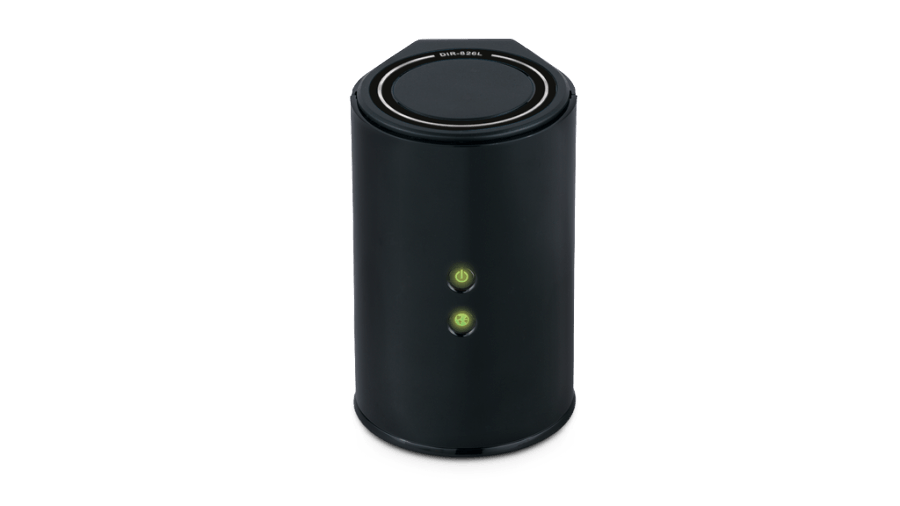
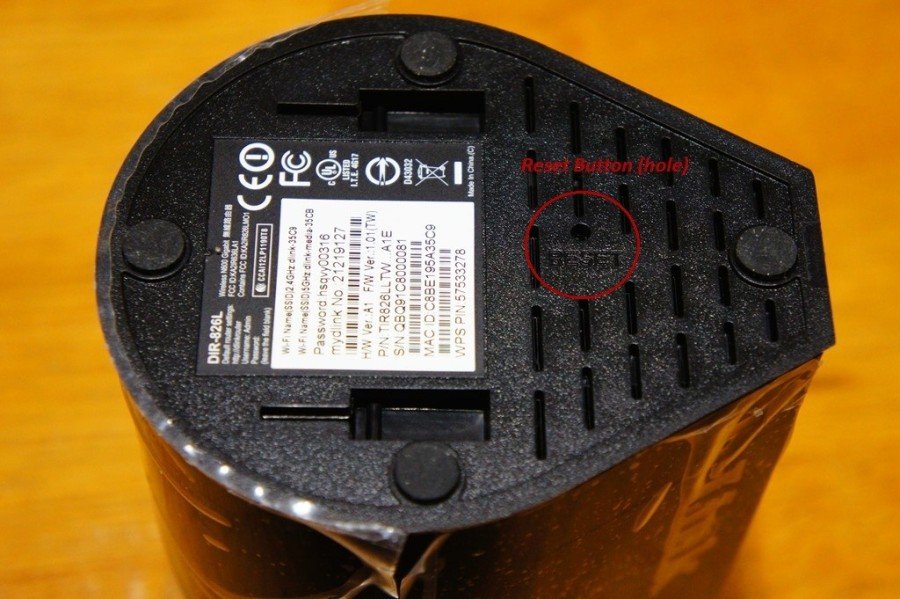
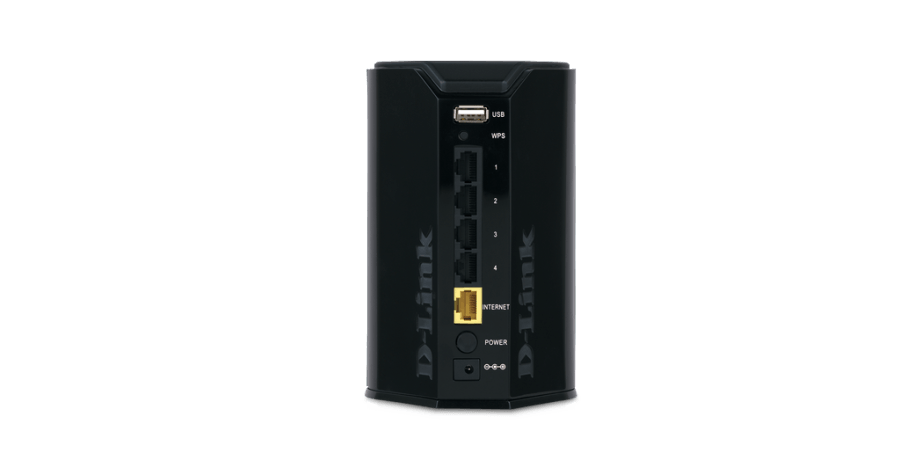
Power ON the router and locate the reset button (hole) on the bottom panel. Use a paperclip to hold the button down for 10 seconds. Release. Wait about 30 seconds for the reset process to finish.

To find out your router default username and password continue reading
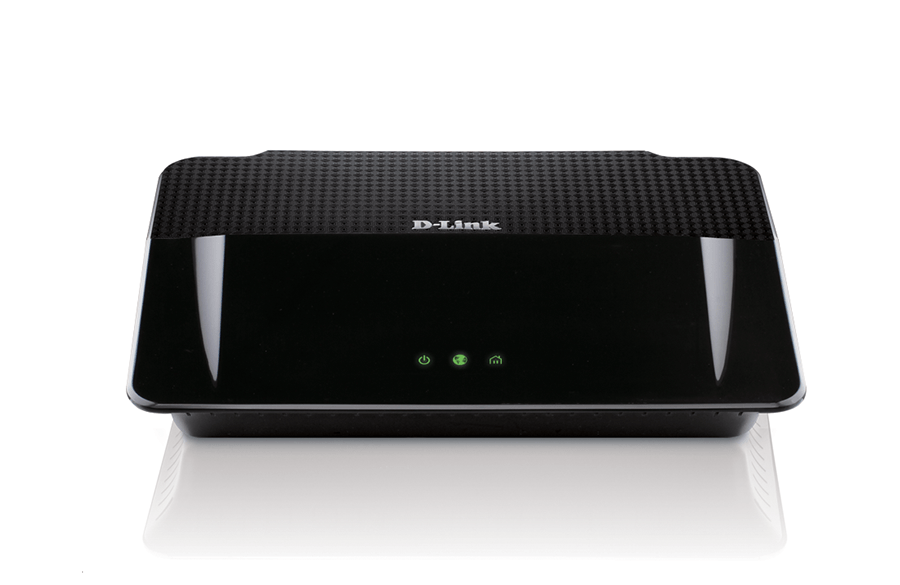
Hard reset D-Link DHP-1565

Power ON the router. Locate the reset button hole on the back panel. Use a paper clip to press it and hold down for 5 seconds. Release. Wait about 30-60 seconds for the reboot process to finish. PS. The power LED on the front panel lights up in orange during the factory reset process.

To find out your router default username and password continue reading