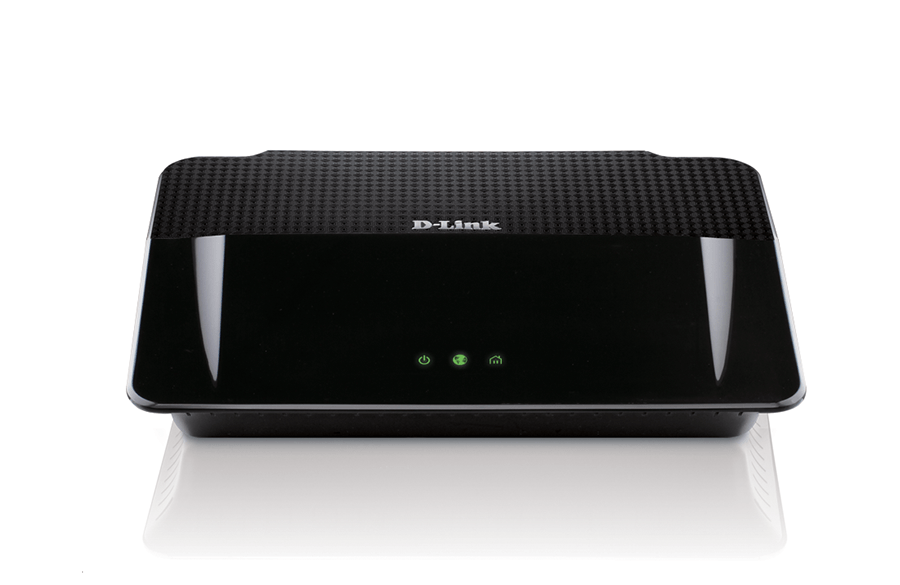

| Factory reset (Hard reset) | Power ON the router. Locate the reset button hole on the back panel. Use a paper clip to press it and hold down for 5 seconds. Release. Wait about 30-60 seconds for the reboot process to finish. PS. The power LED on the front panel lights up in orange during the factory reset process. |
|---|---|
| Firmware | Firmware link |
| Default username | admin |
| Default password | [leave blank] |
| Default IP address | 192.168.0.1 |