-
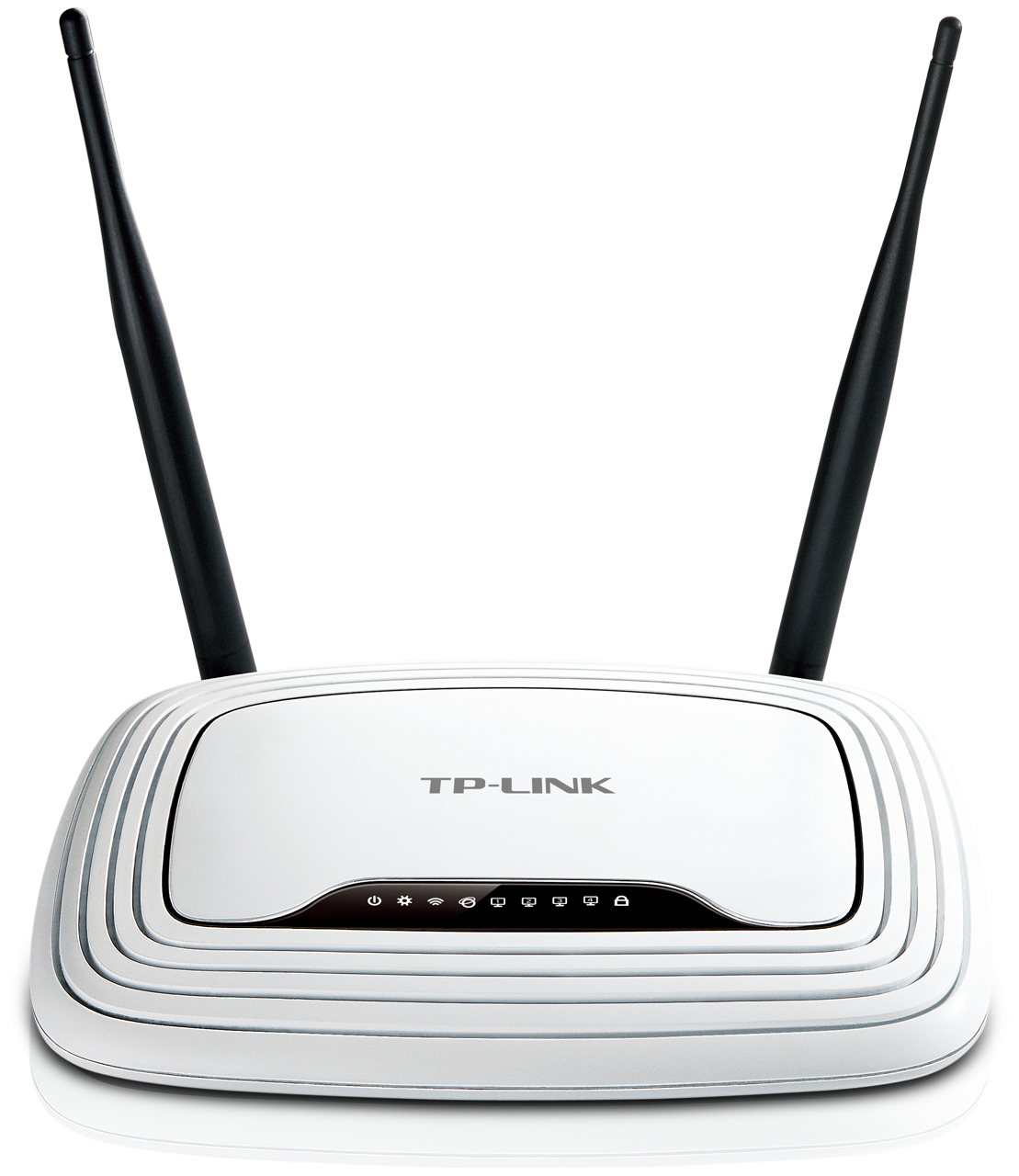
- Front view
-
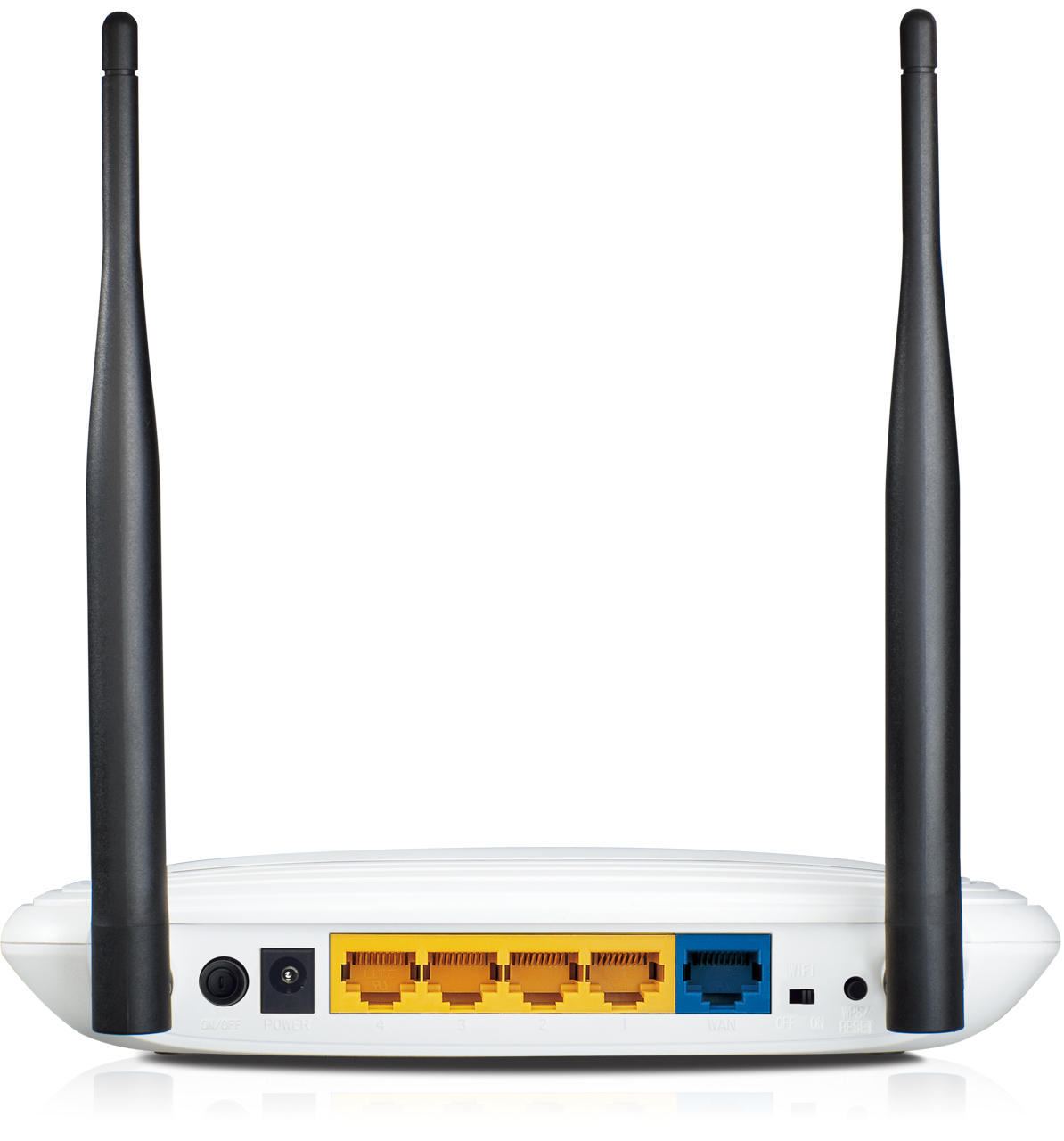
- Reset button on the right
-
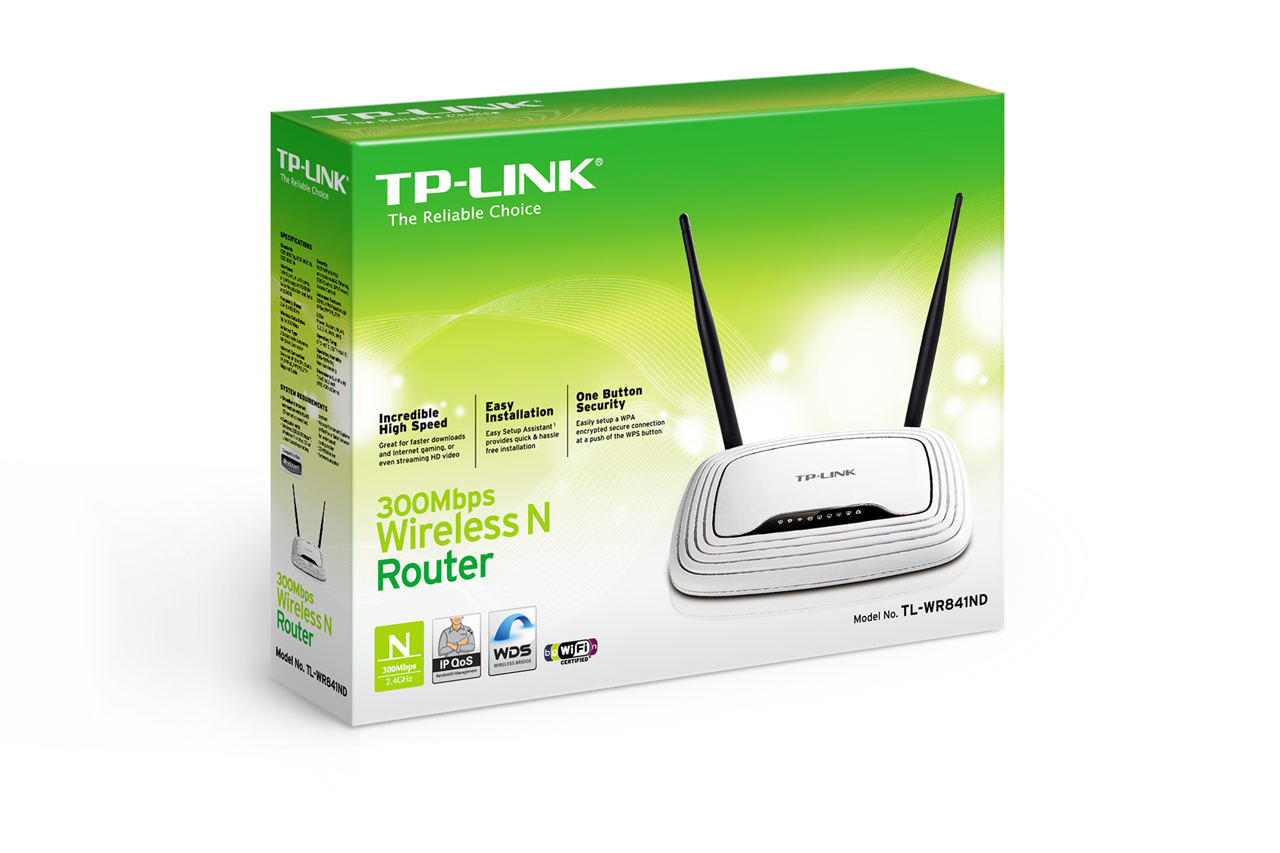
- Boxed
| Factory reset (Hard reset) | With the Router powered on, use a pin to press and hold the RESET button hole on the back of the device. Hold for more than 5 seconds, release and wait the router to reboot to its factory default settings. Second option – hold the button for between 8 and 10 seconds and then release. |
|---|---|
| Firmware | Firmware link |
| Default username | admin |
| Default password | admin |
| Default IP address | 192.168.0.1 or 192.168.1.1 |