-
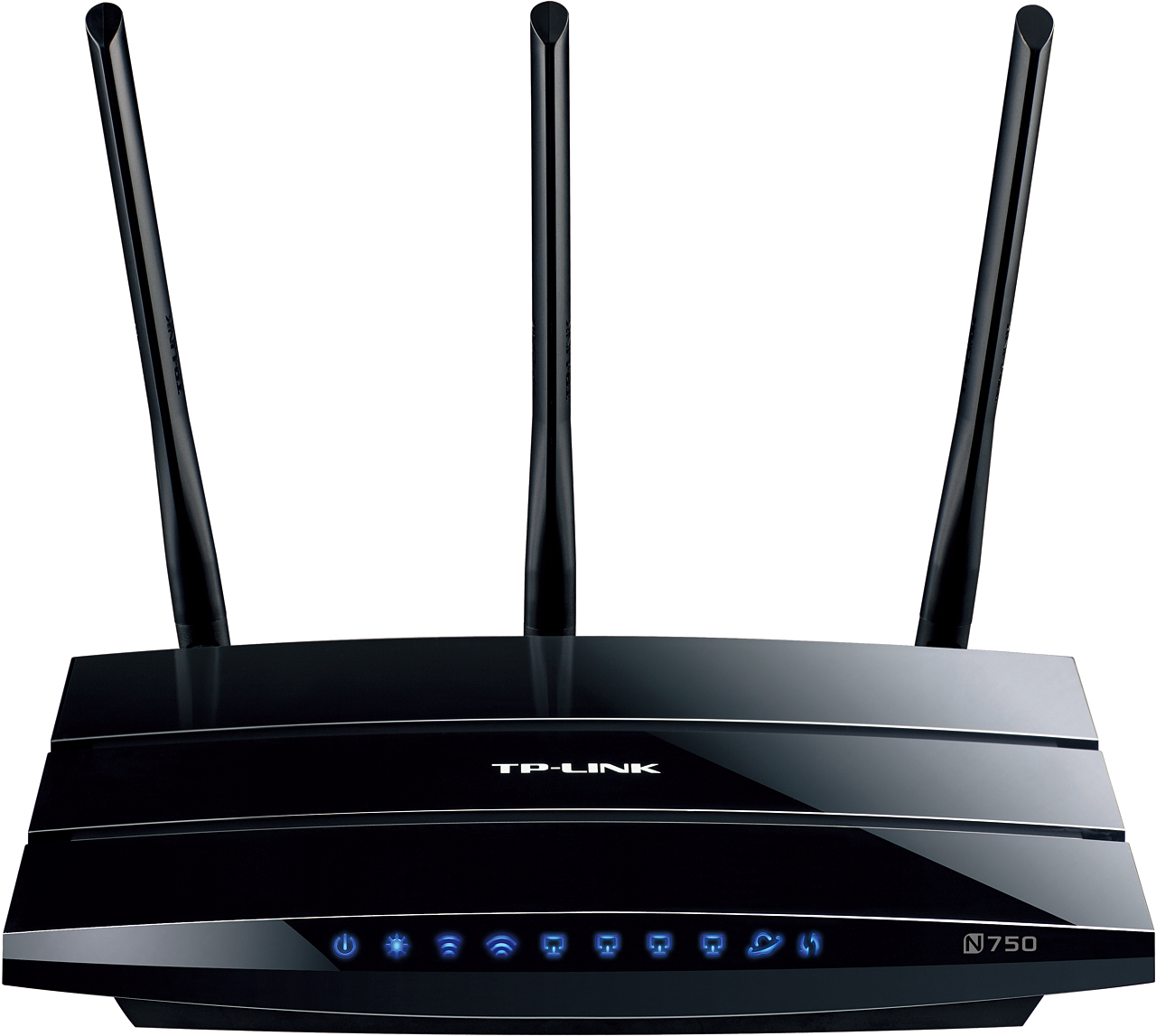
- Front view
-
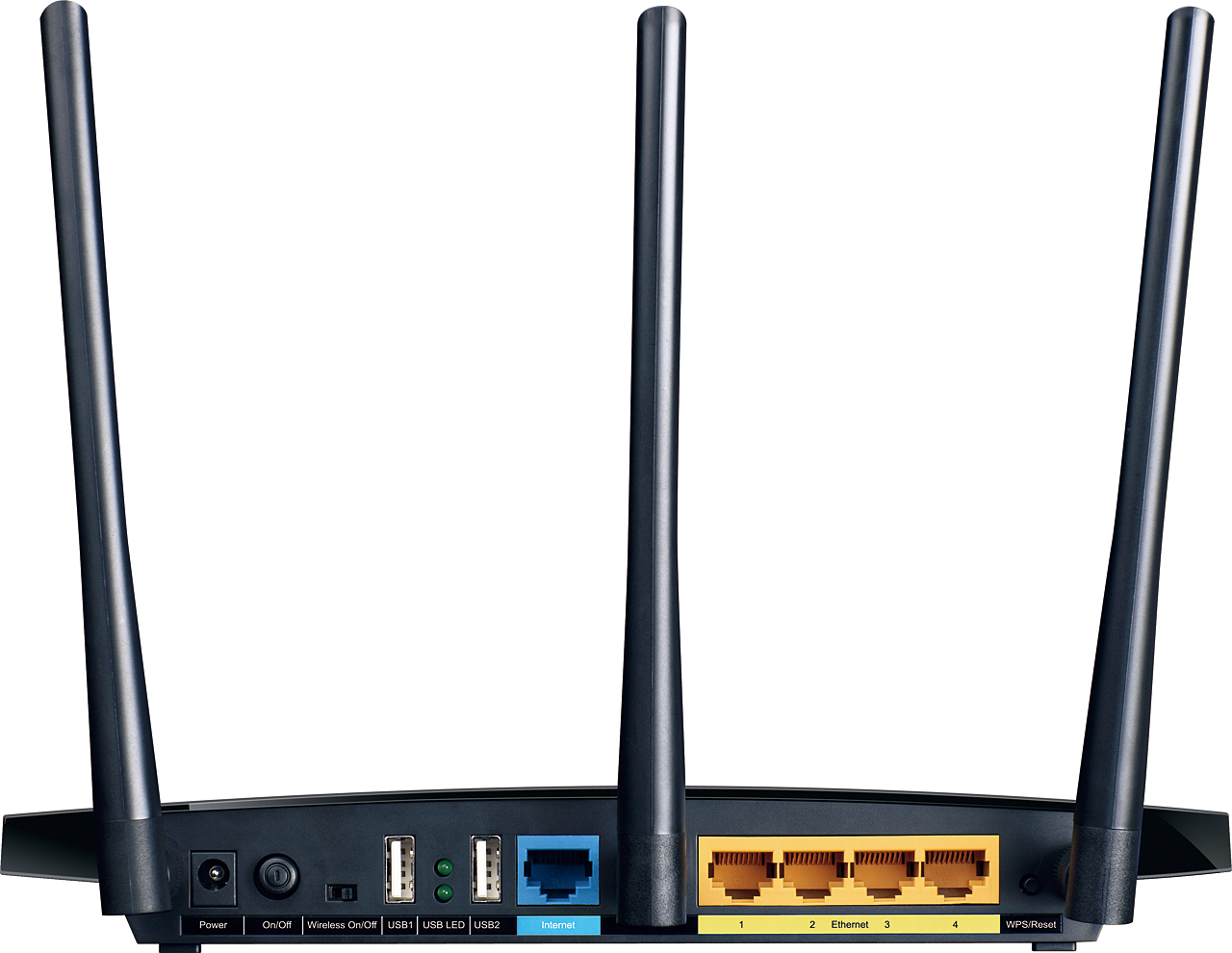
- Reset button
-

- Boxed
| Factory reset (Hard reset) | The reset button is located on the rear panel and it is labeled WPS/Reset. Power ON the router. To enable the reset function you need to push the button and hold for about 8 seconds. Release when the SYS LED starts flashing faster than it had before. Wait for a minute for the router to reboot. PS. The SYS LED is on the front panel – second one from the left. |
|---|---|
| Firmware | Firmware link |
| Default username | admin |
| Default password | admin |
| Default IP address | 192.168.0.1 |