-
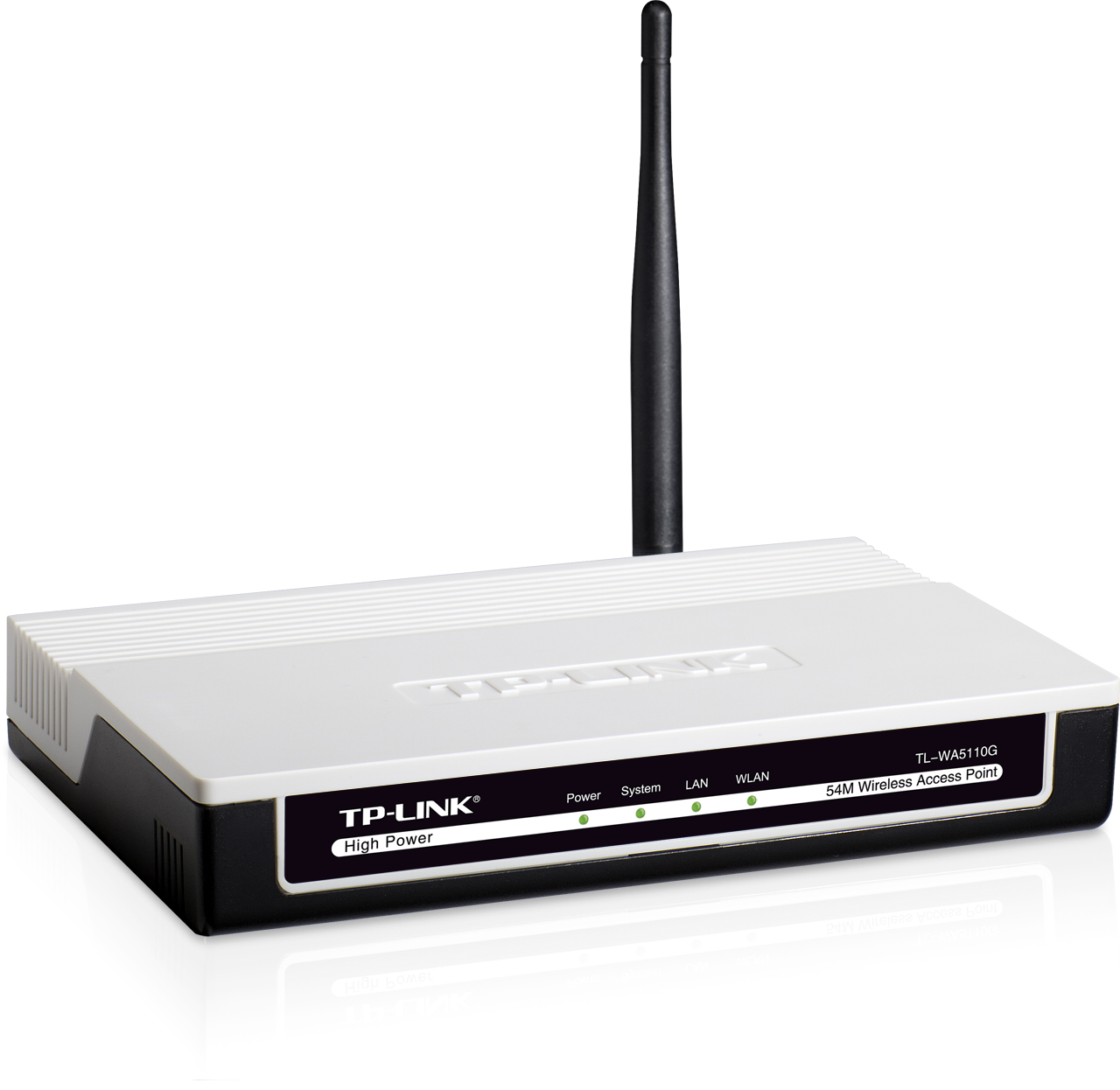
- Front view
-
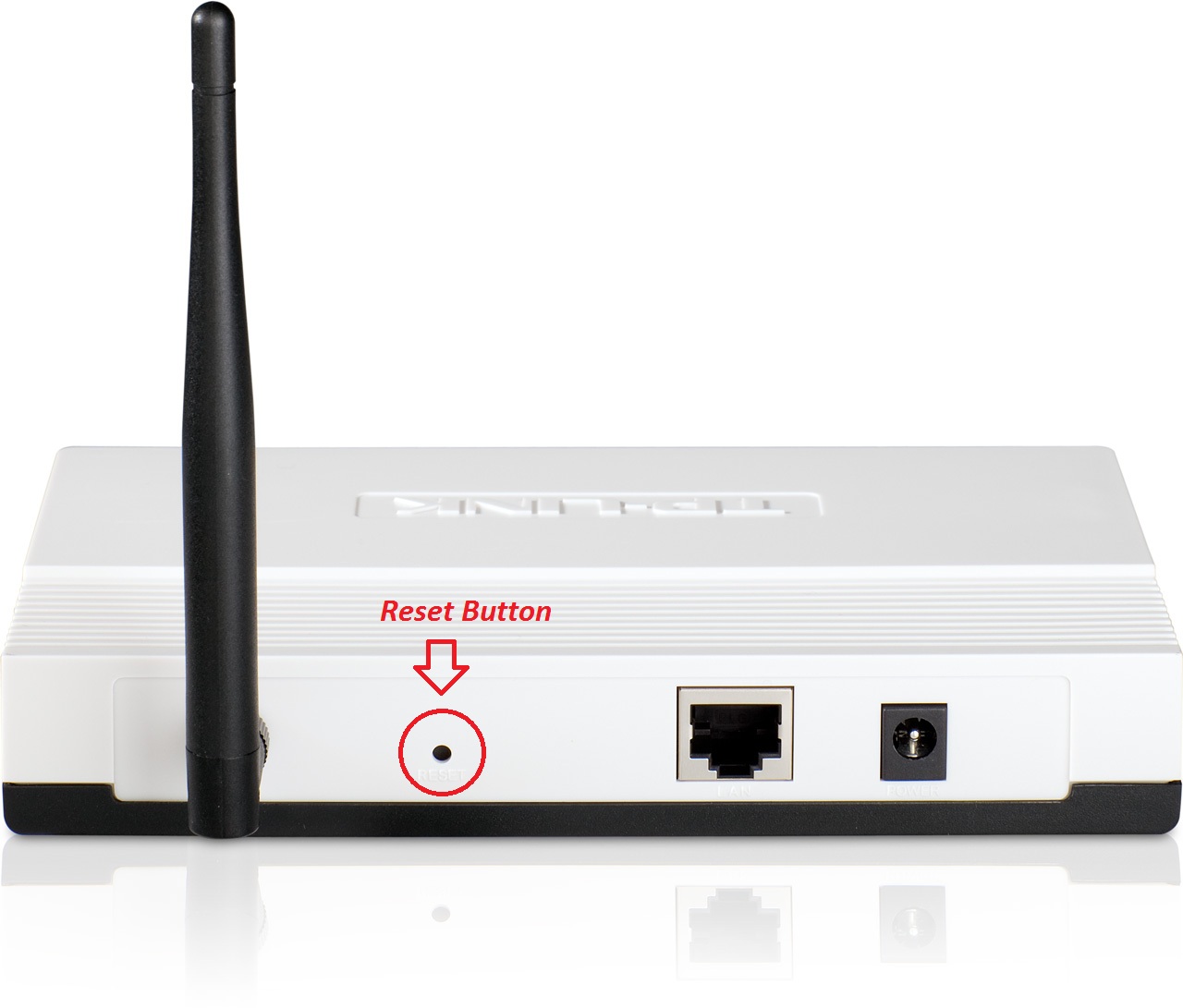
- Reset button
-

- In the box
| Factory reset (Hard reset) | Make sure the router is powered ON. The reset button is on the rear panel. Press and hold it for 5 seconds. The AP will reboot after the System LED on the front panel flashes 5 times. You might need a paper clip or another thin object to push in the reset button-hole. |
|---|---|
| Firmware | Firmware link |
| Default username | admin |
| Default password | admin |
| Default IP address | 192.168.1.254 |