-
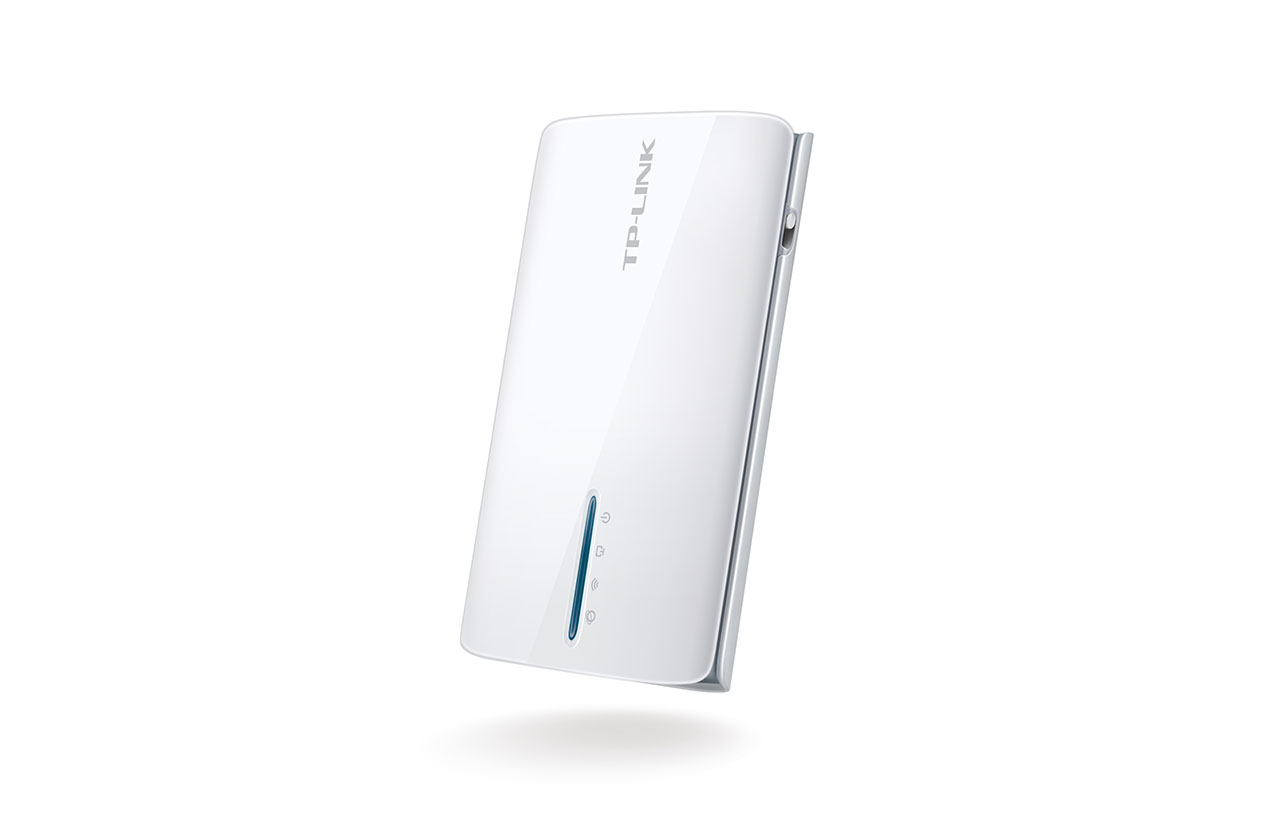
- Front View
-
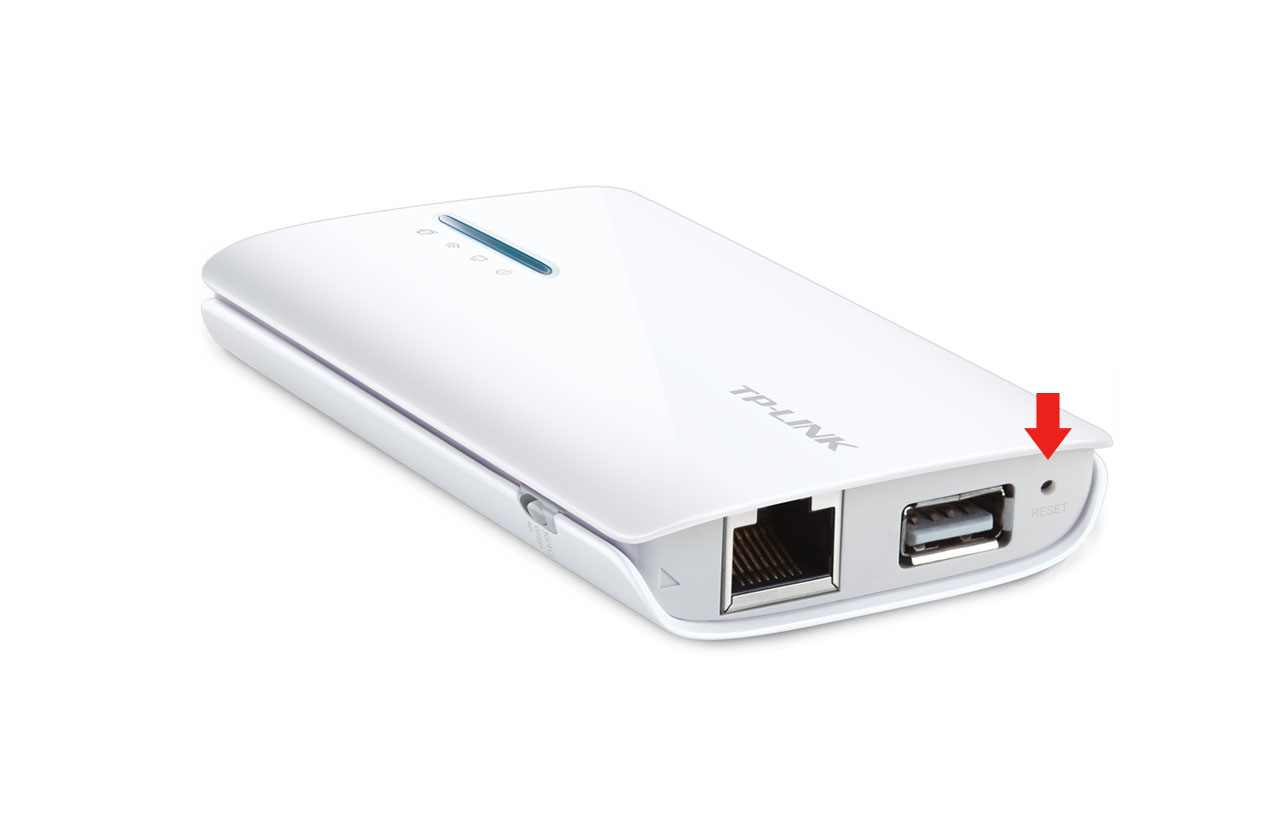
- Reset Button
| Factory reset (Hard reset) | Power on your device. Locate the reset button – it is a hole labeled ‘reset’ next to the USB port of the device. Press in it with a pin or paperclip and hold for at least 10 seconds. Then release and wait a minute or two while the router goes back to its factory defaults. |
|---|---|
| Firmware | Firmware link |
| Default username | admin |
| Default password | admin |
| Default IP address | 192.168.0.1 |