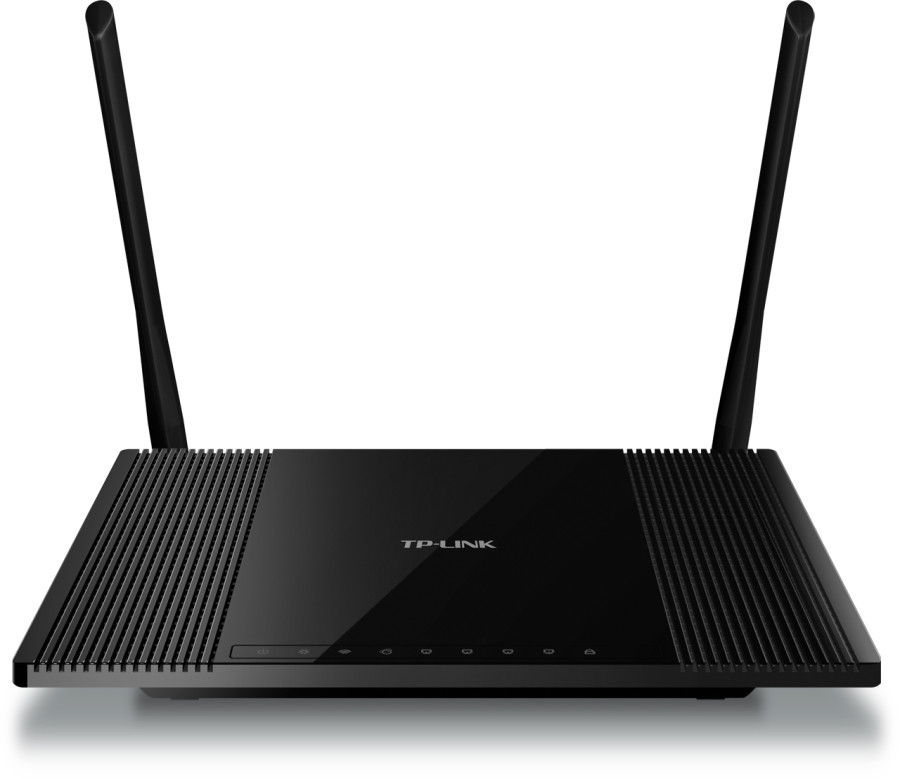
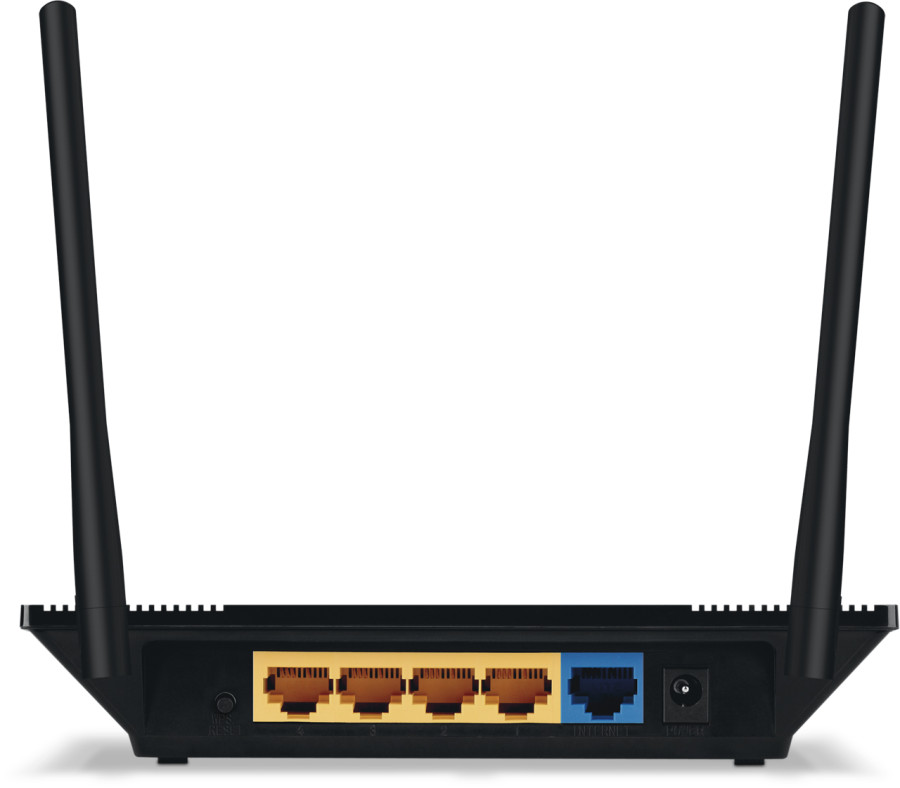
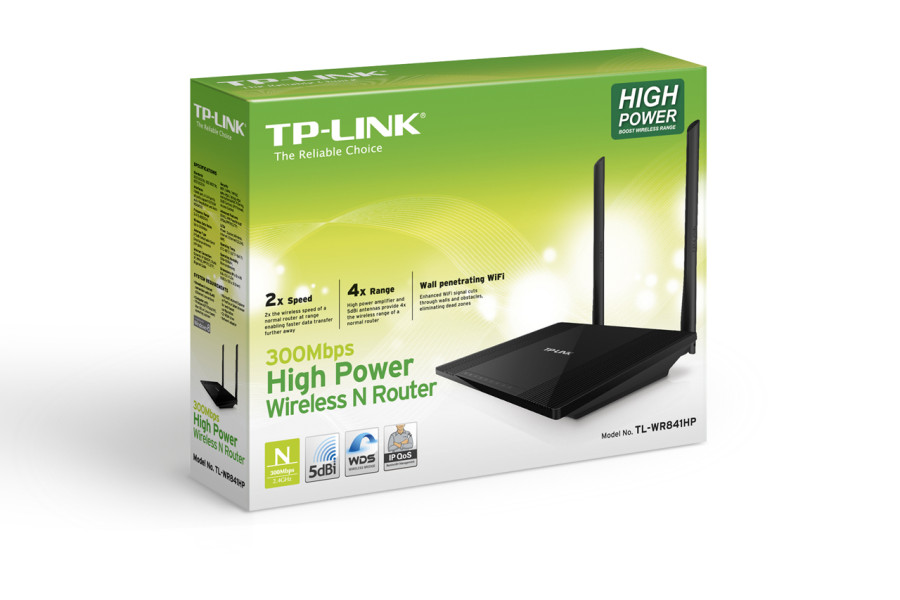
| Factory reset (Hard reset) | Power ON the router. Locate the WPS/RESET button on the back panel of the device. Press and hold the button for more than 5 seconds. Keep an eye on the system LED and when it starts flashing more quickly than before – release. Wait for the router to reboot. PS. The system LED is the second led on the front panel – it is right next to the power LED. |
|---|---|
| Firmware | Firmware link |
| Default username | admin |
| Default password | admin |
| Default IP address | 192.168.0.1 |