-
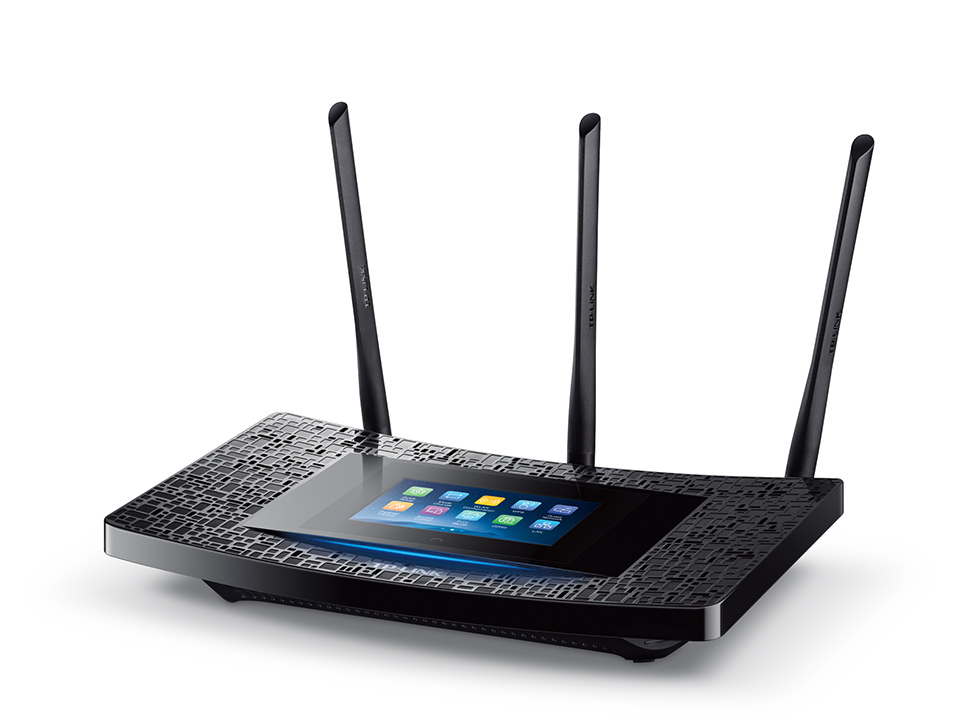
- Front view
-
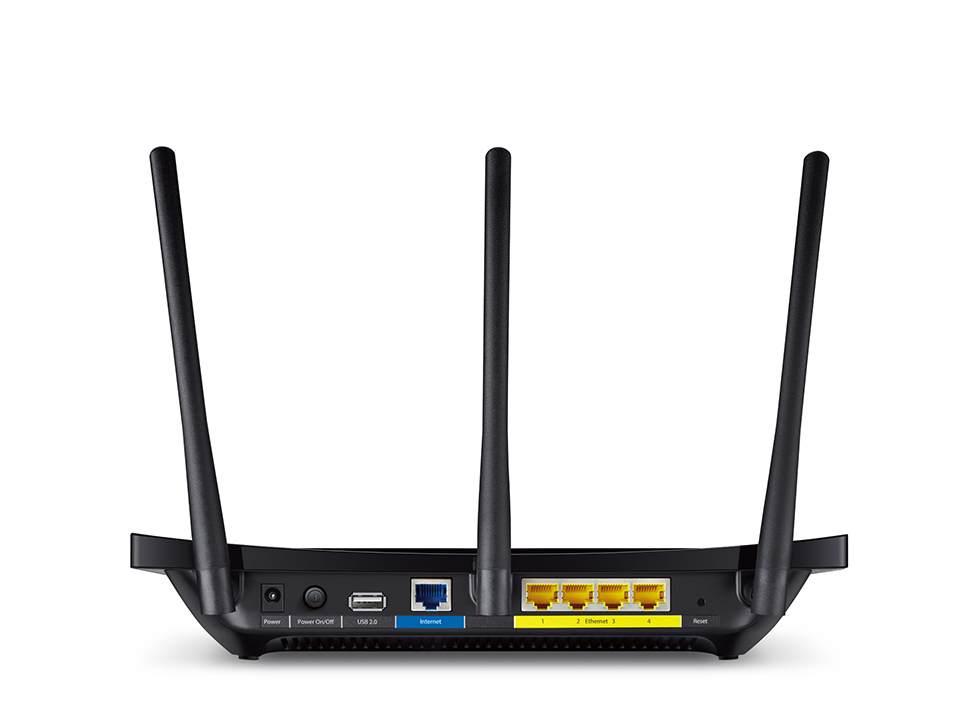
- Rear view
| Factory reset (Hard reset) | The reset button (hole) is on the rear panel. Locate it while the router is turned ON. Press and hold the button until the Touch P5 logo displays. |
|---|---|
| Firmware | Firmware link |
| Default username | admin |
| Default password | admin |
| Default IP address | 192.168.0.1 |