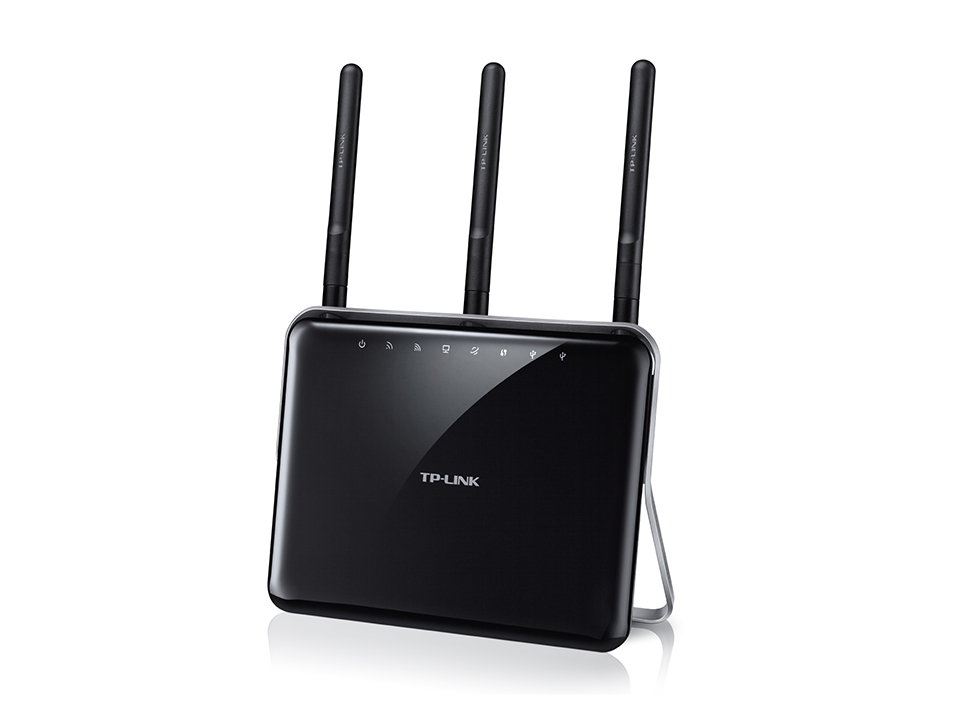
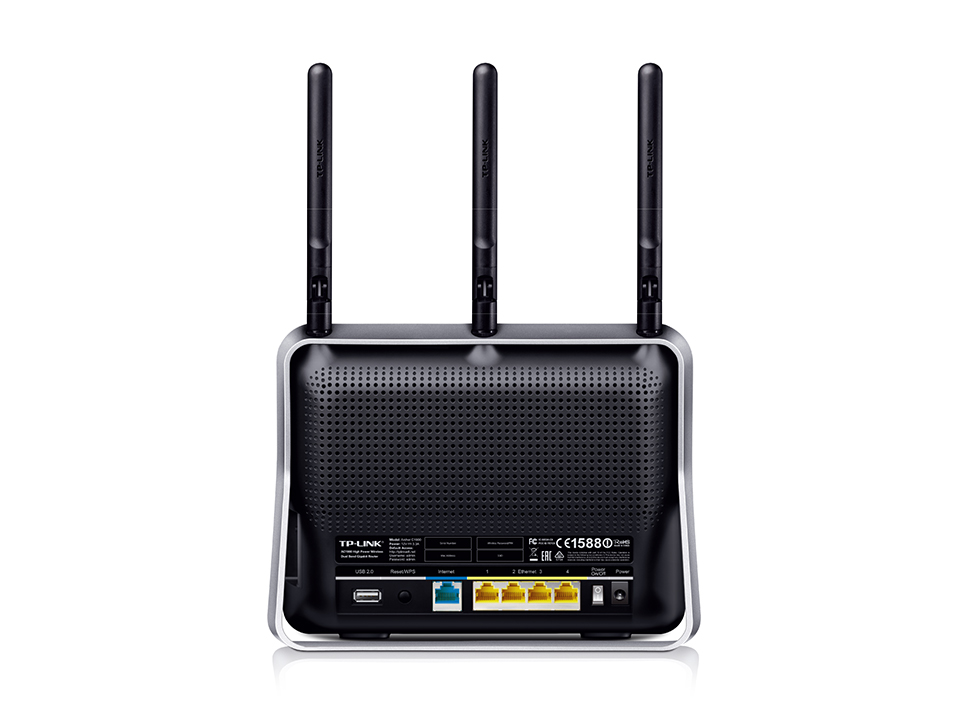
| Factory reset (Hard reset) | The Reset button is on the back panel of the router. Press and hold it for more than 5 seconds, release and wait for the router to reset. Visit http://tplinkwifi.net to create a new login password. |
|---|---|
| Firmware | Firmware link |
| Default username | N/A |
| Default password | You set it at http://tplinkwifi.net |
| Default IP address | 192.168.0.1 |