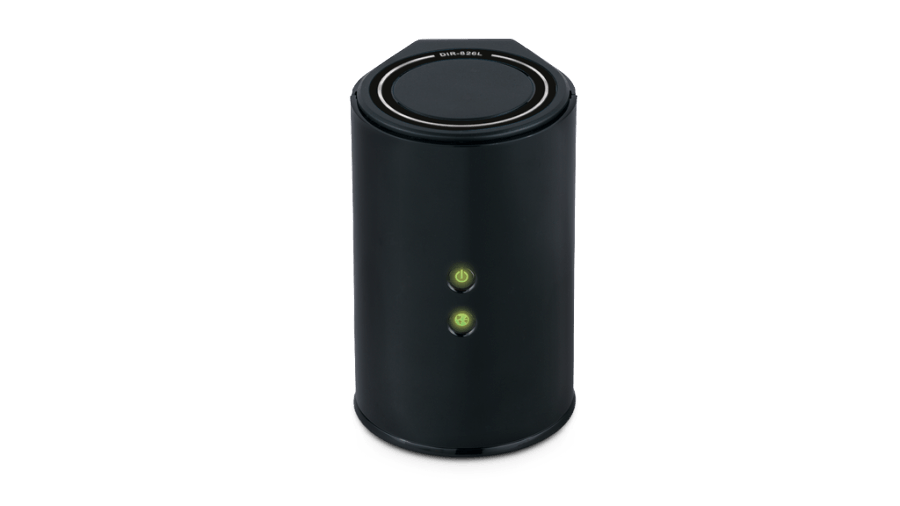
Hard reset D-Link DIR-826L
To find out your router default username and password continue reading
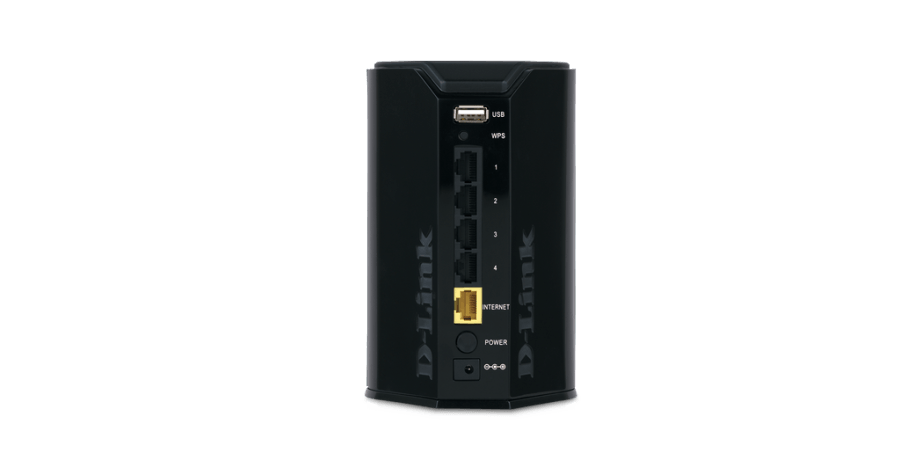
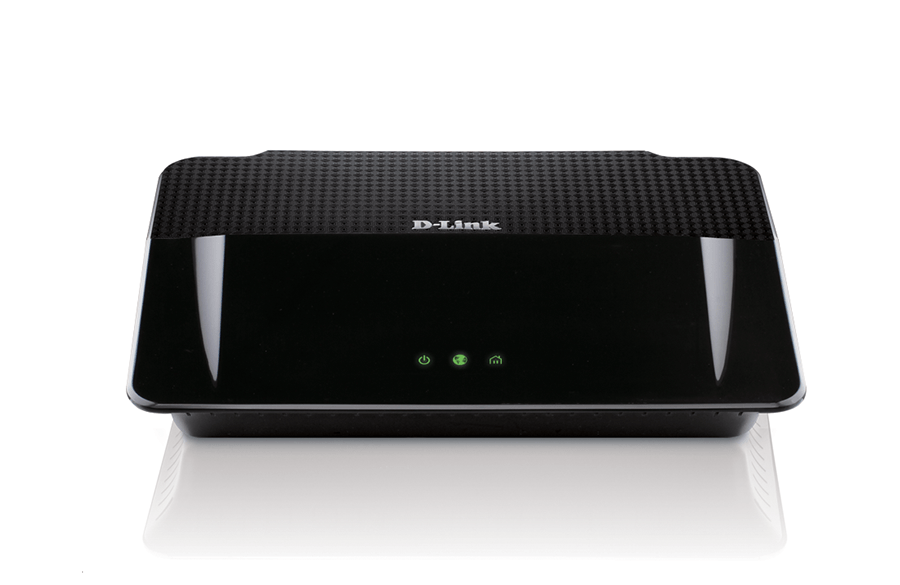

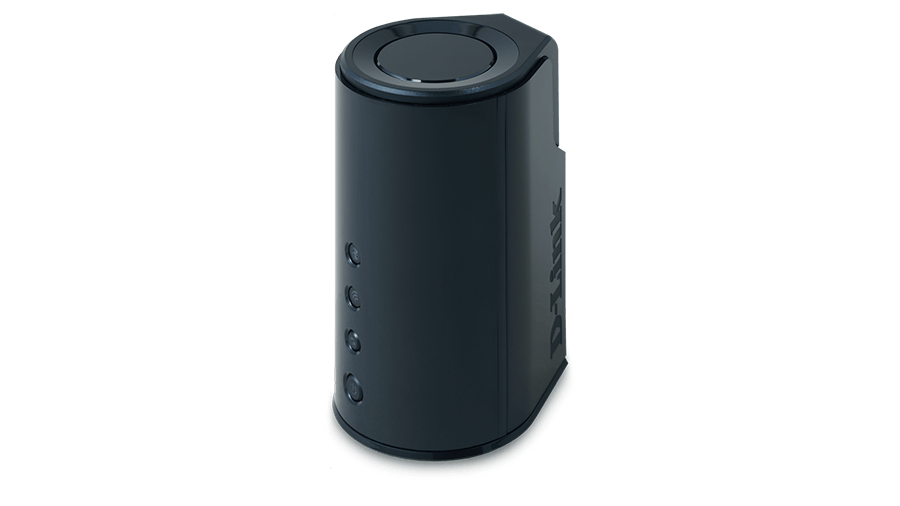
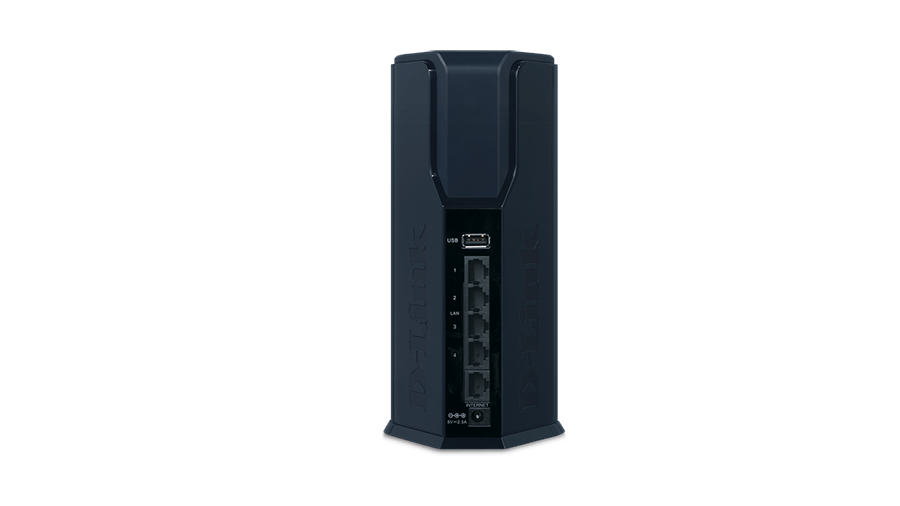

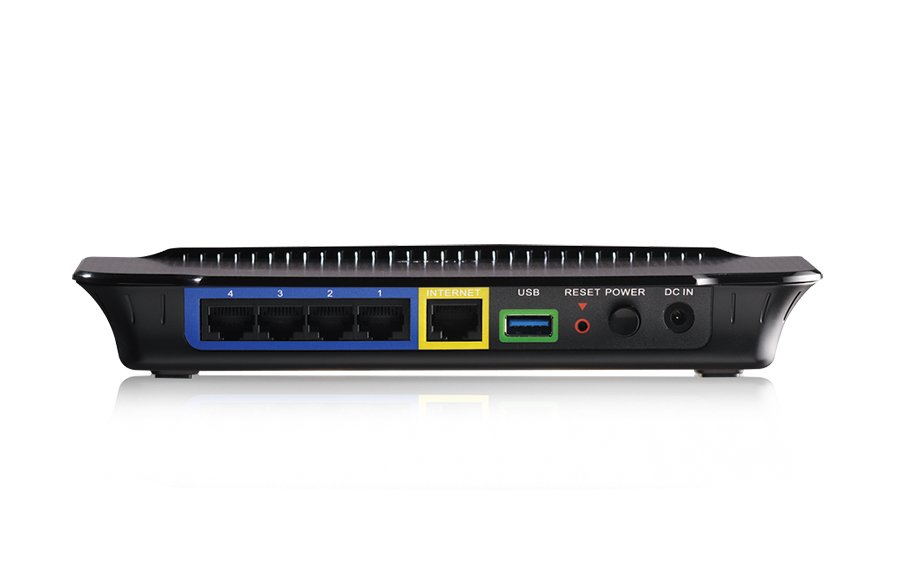
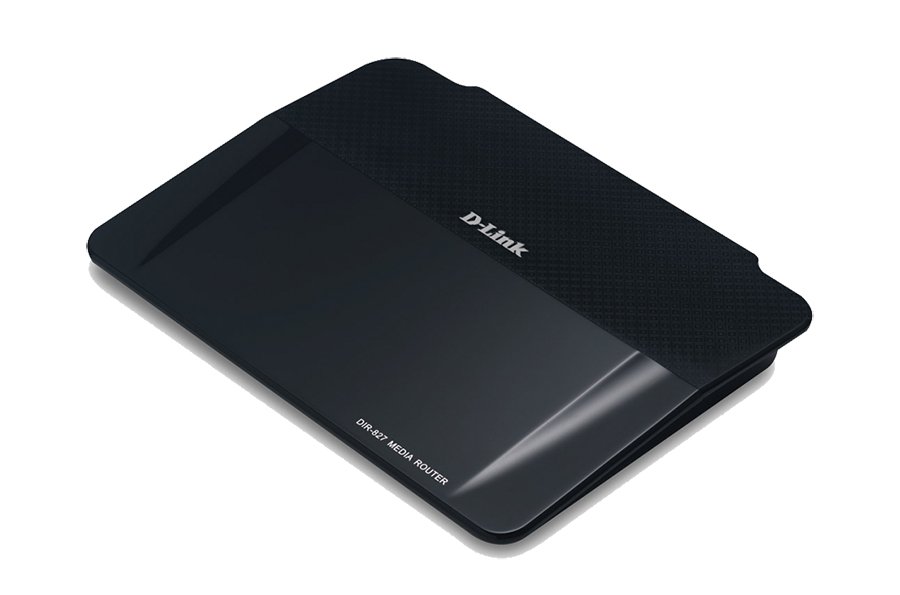
If you’ve forgotten your D-Link router’s username/password or if someone has changed them without telling you, you can always reset your router to it’s default username and password. Keep in mind that this process will change all of your settings back to the defaults, so it is a good idea to keep a backup of […]
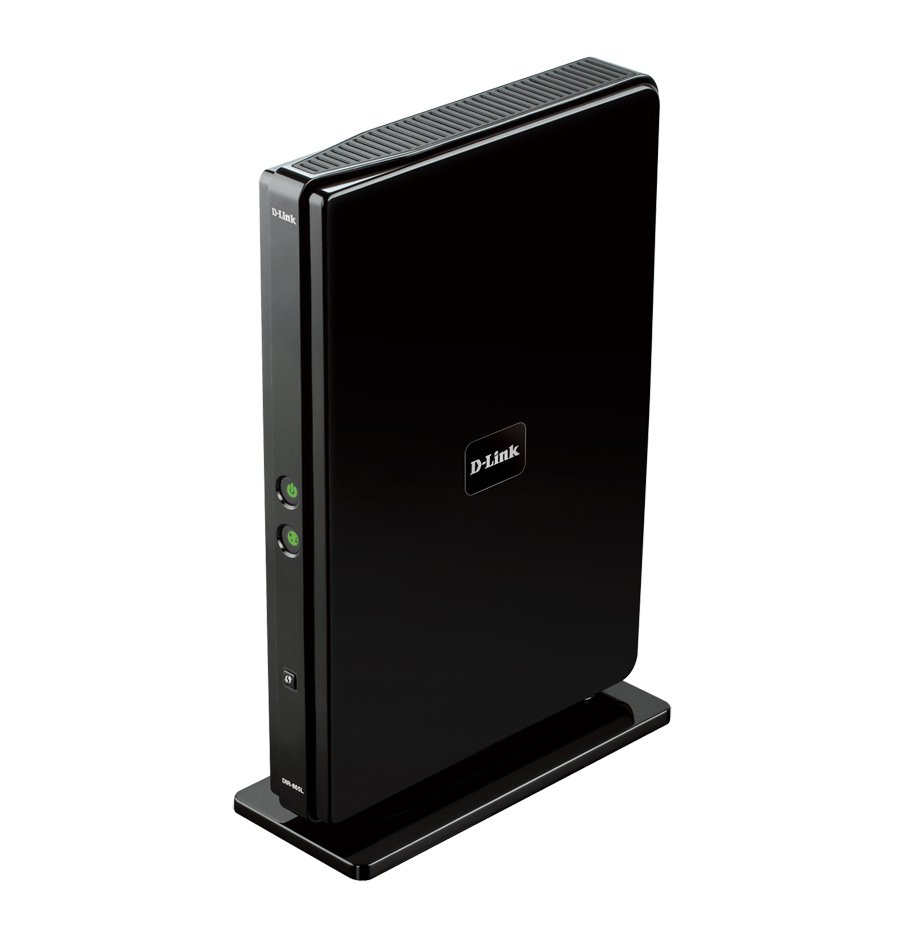
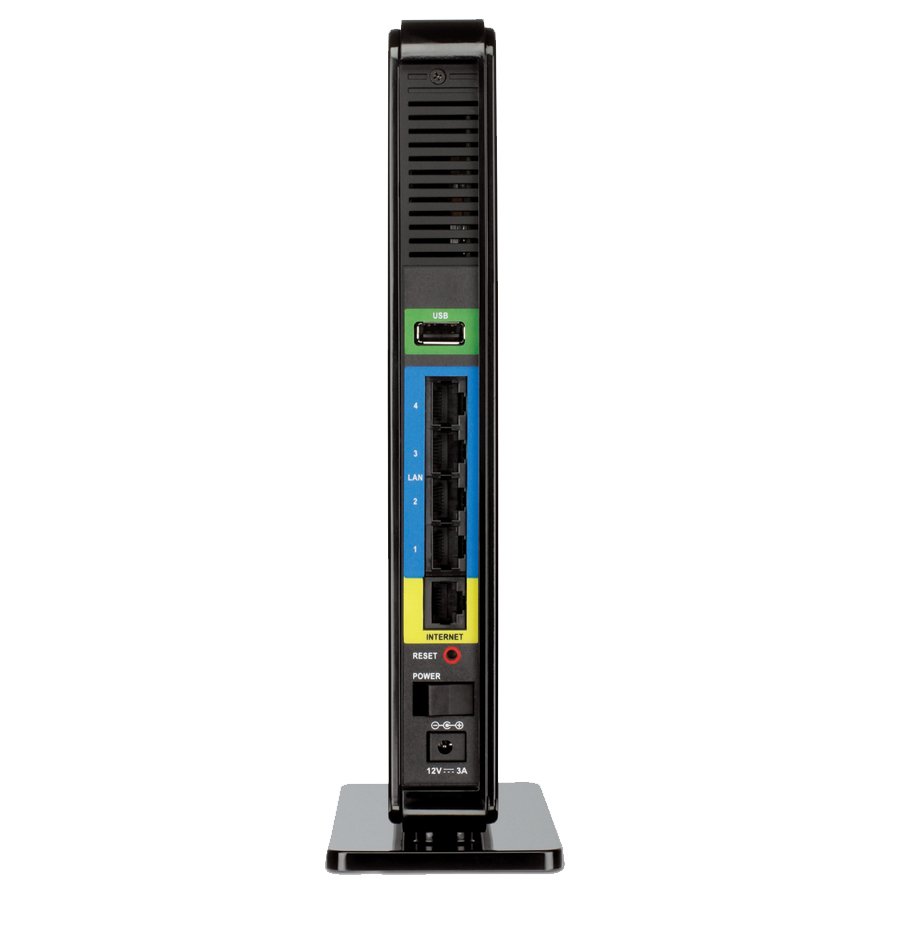
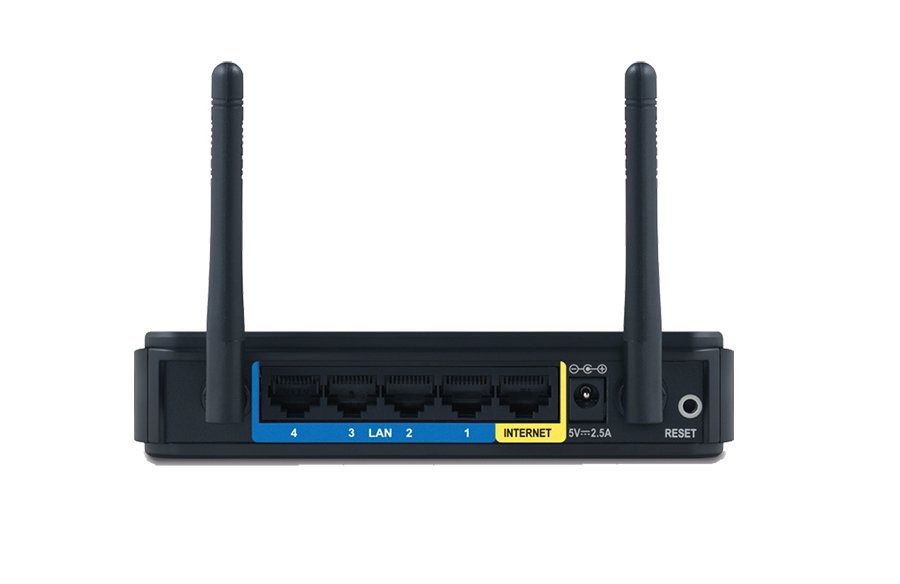
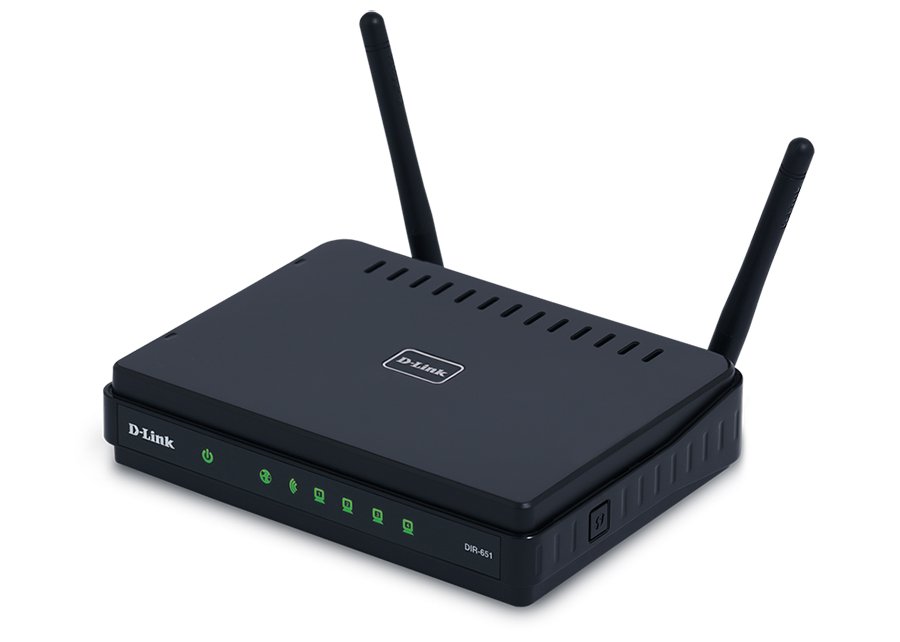
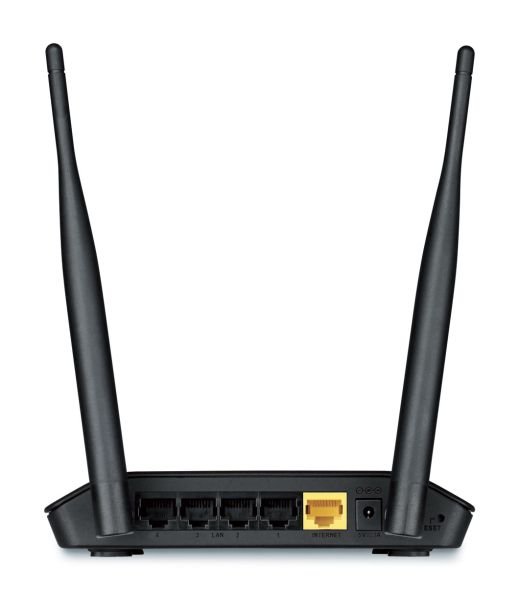
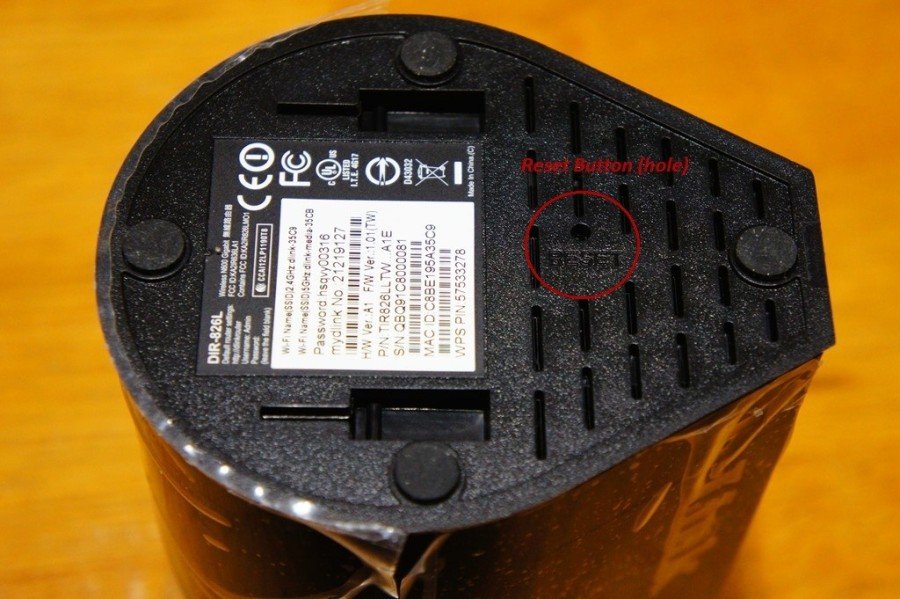
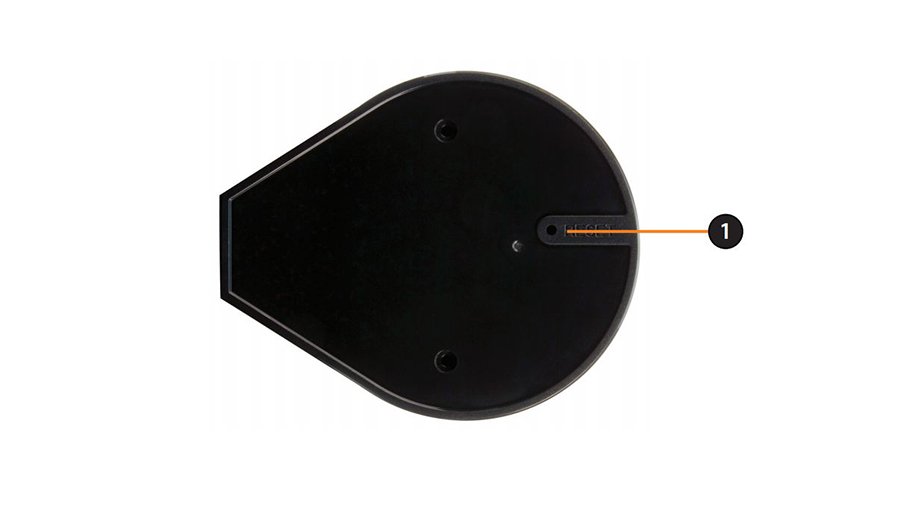
Power ON the router. The reset button ‘hole’ is located on the back panel of the router – to the right of the right antenna. Press in it with a thin object (paperclip) and hold for about 10 seconds. Release. Wait for a minute until the router reboots.