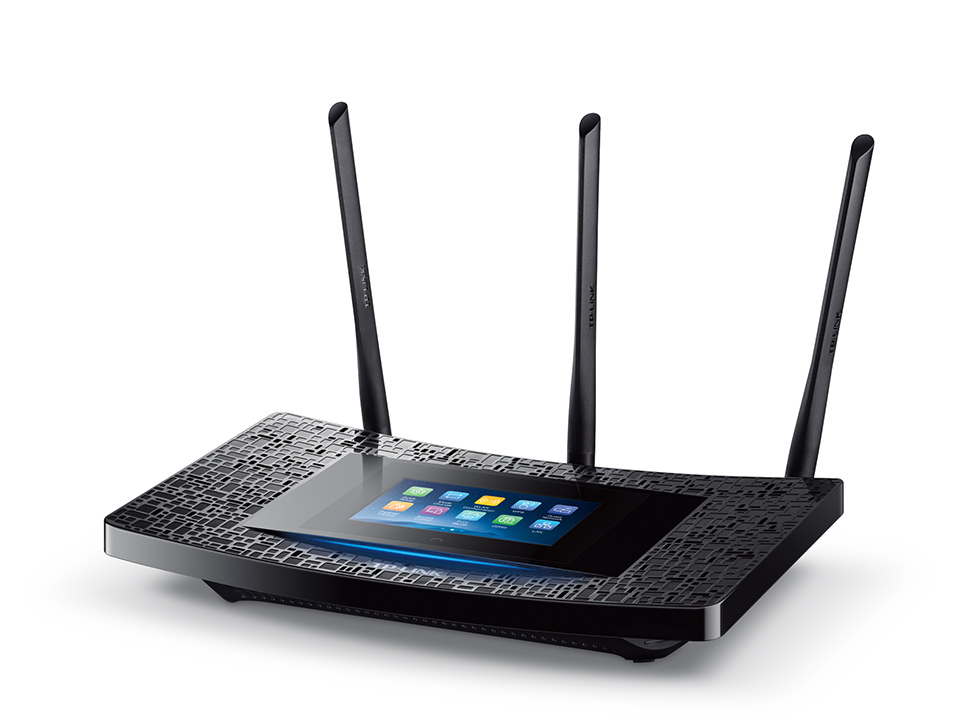
Hard reset TP-LINK AC5200 / Archer C5200
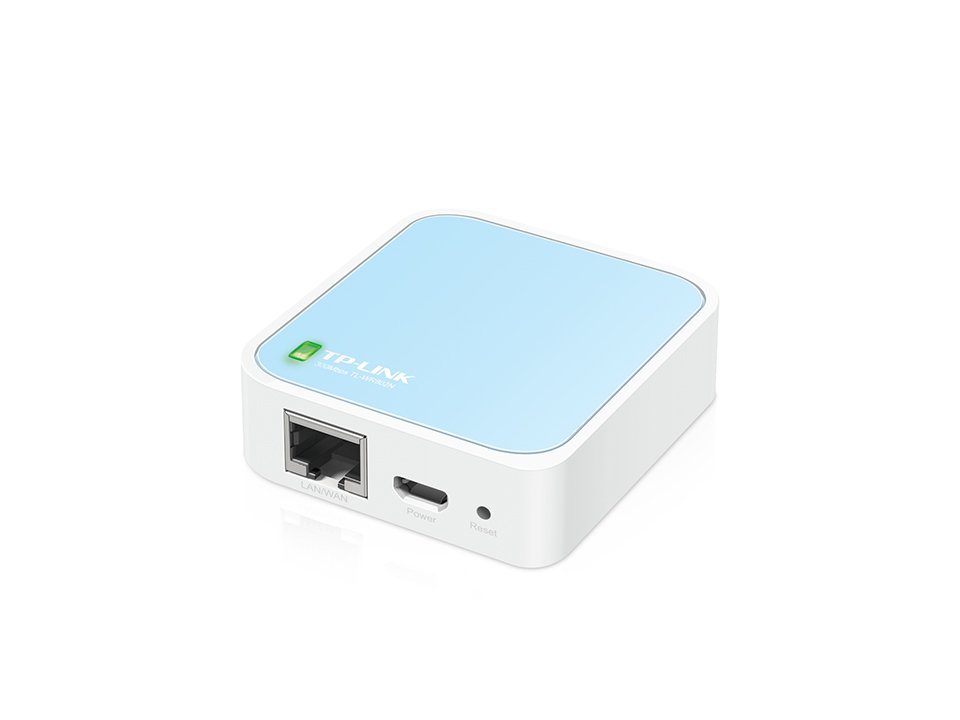
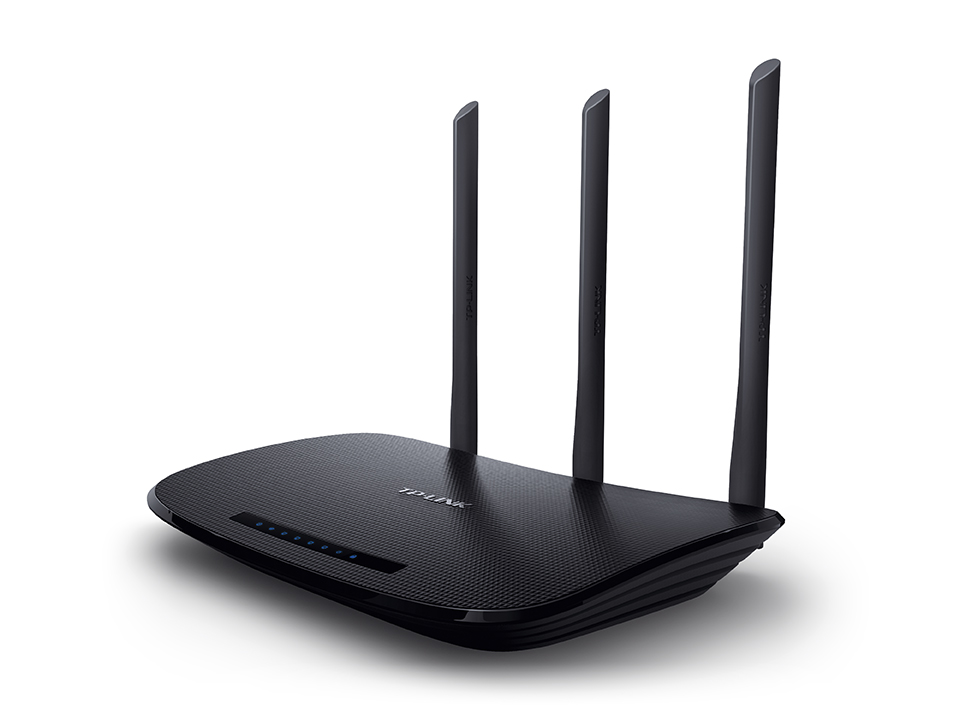
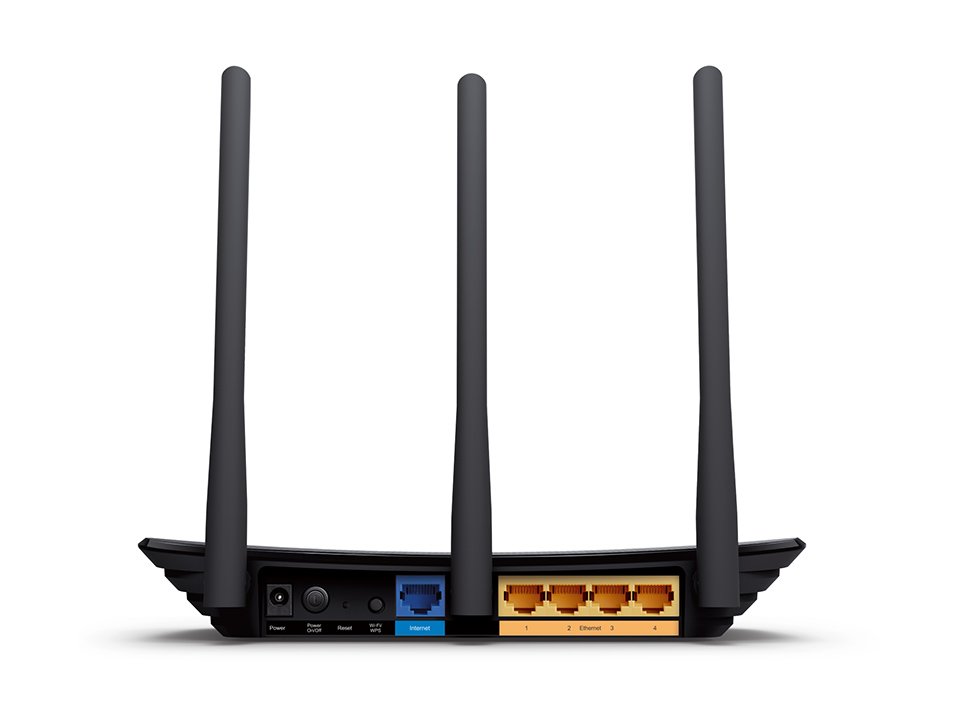
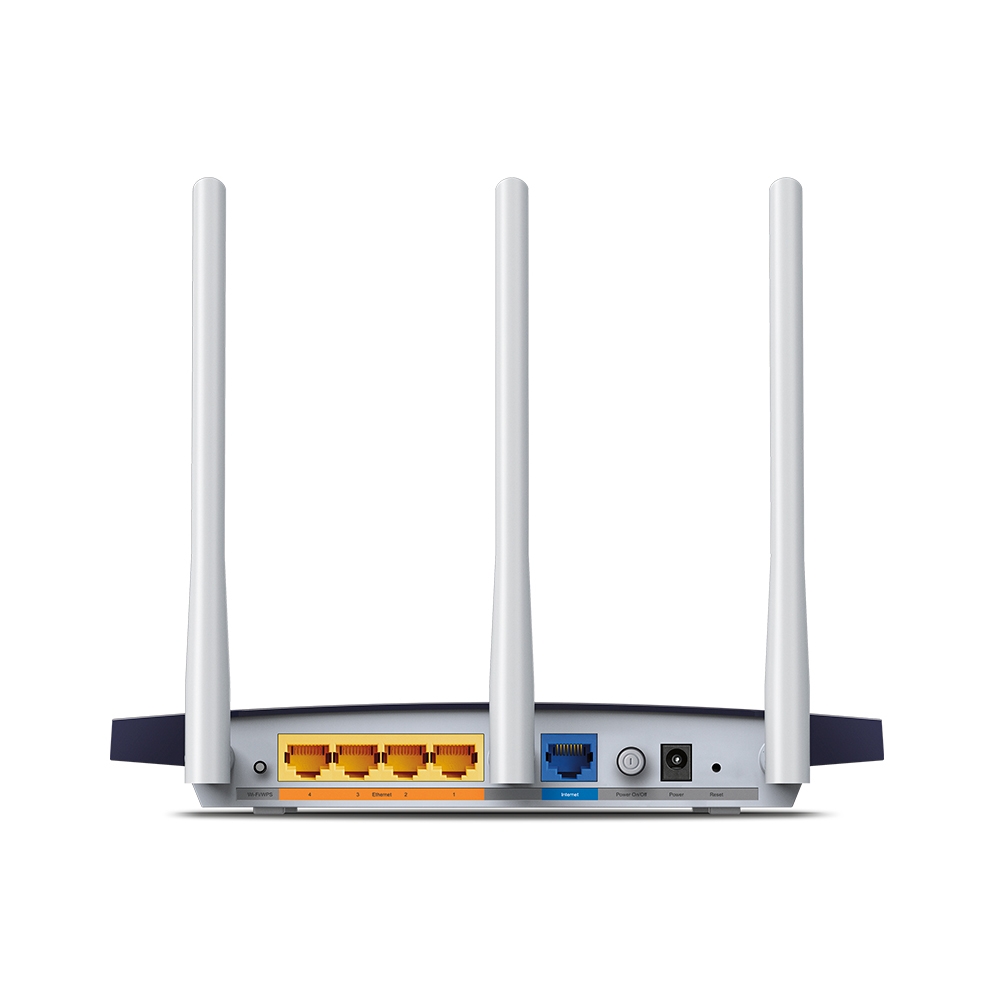
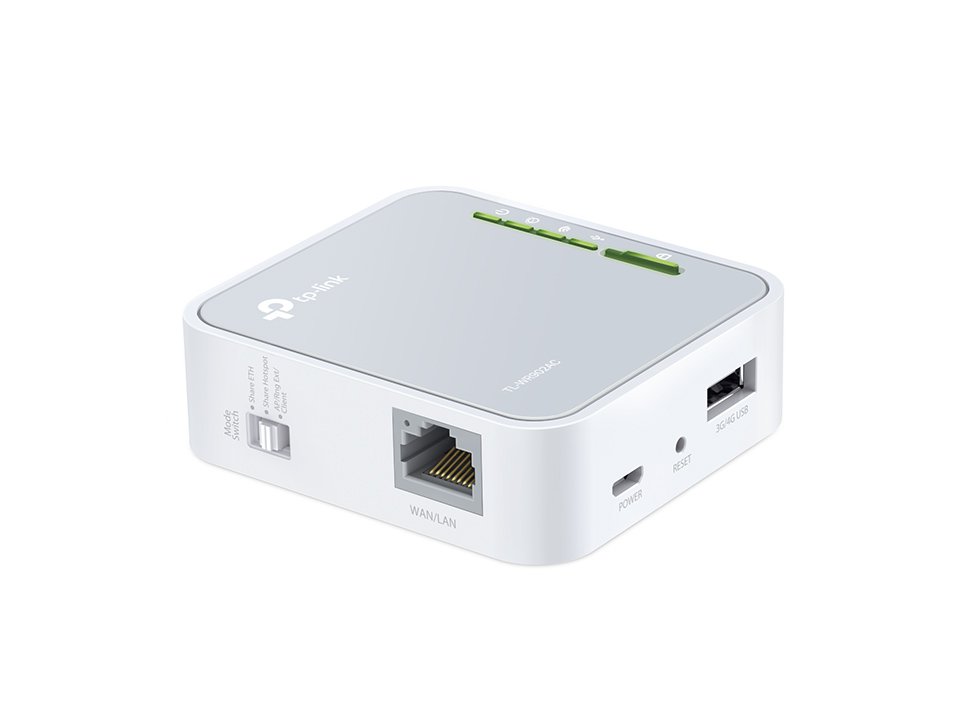
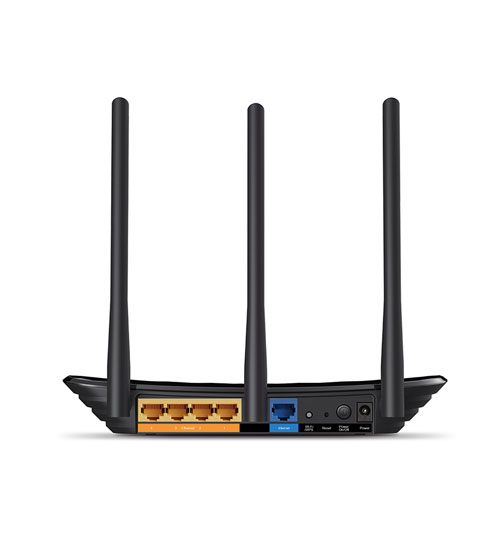
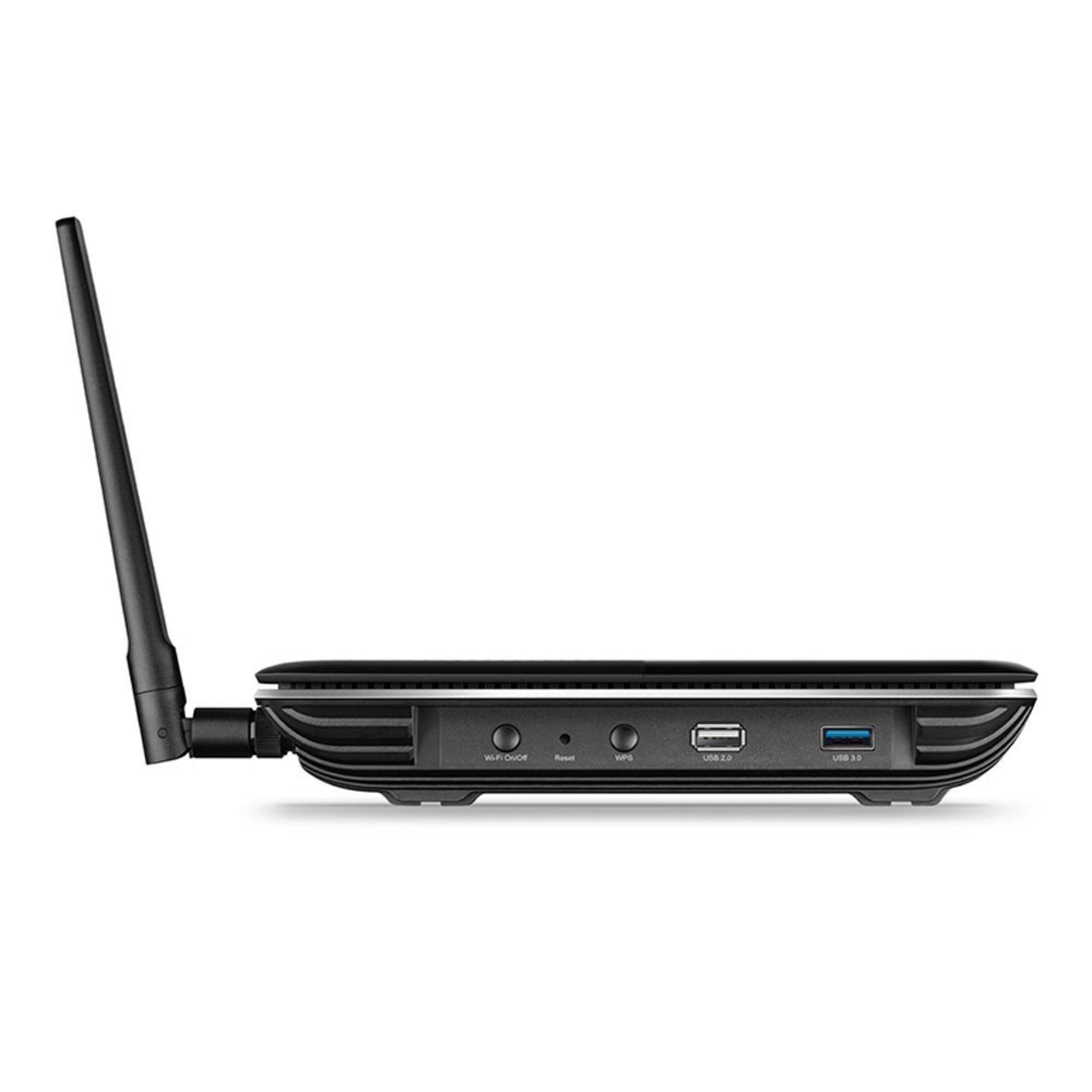
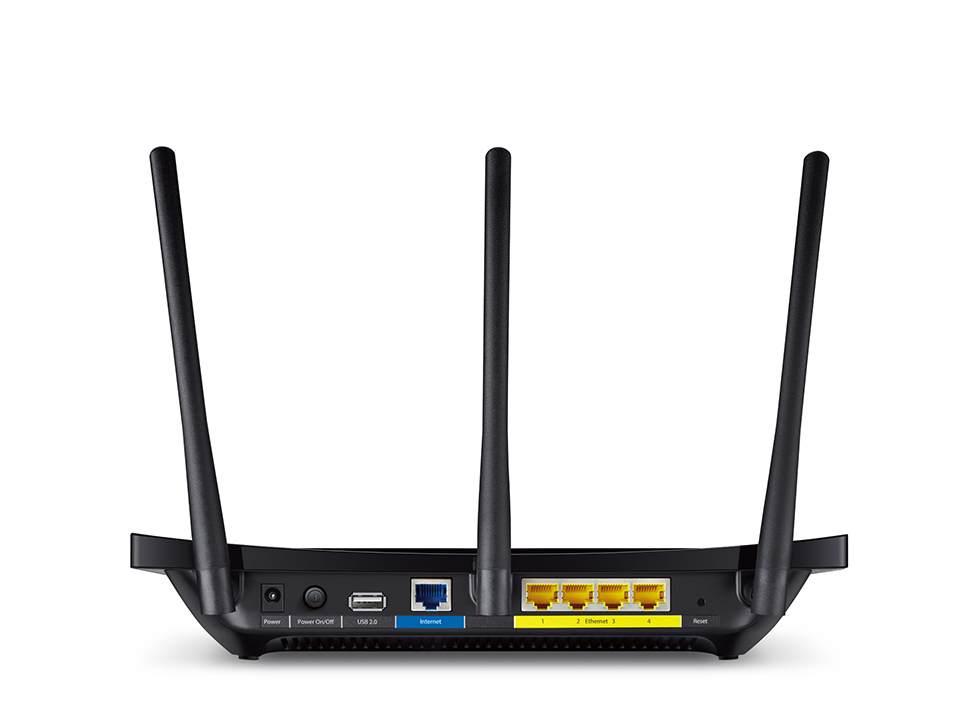
Turn on the device and find the Reset button which is a small hole on the back panel. Press this button for about 7 seconds to reset the router. Use a pin or paper clip if needed.
To find out your router default username and password continue reading
To find out your router default username and password continue reading